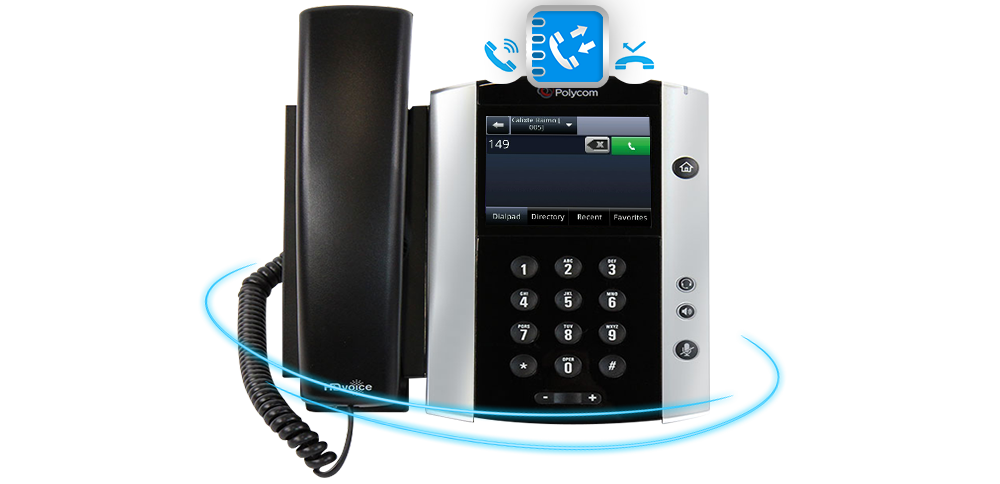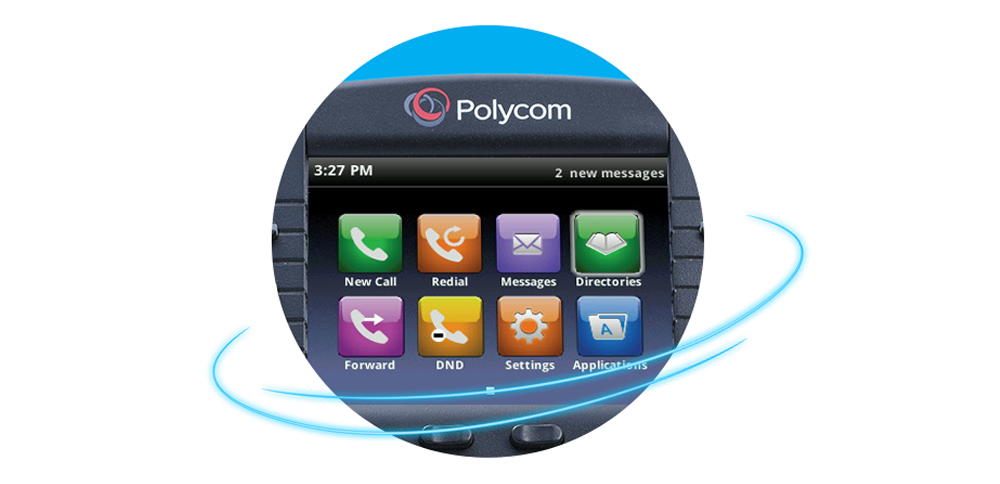
REVIEWING CALL HISTORY
When you need to locate the phone number of
someone you spoke to on your phone you will use our
call records feature.
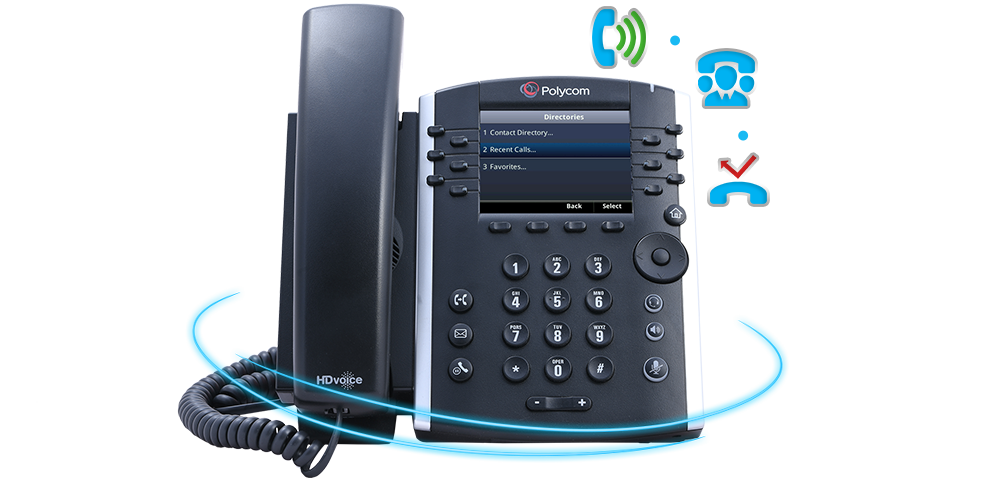
Your phone maintains the following 3 types of call history
records: answered calls, placed calls and missed calls.
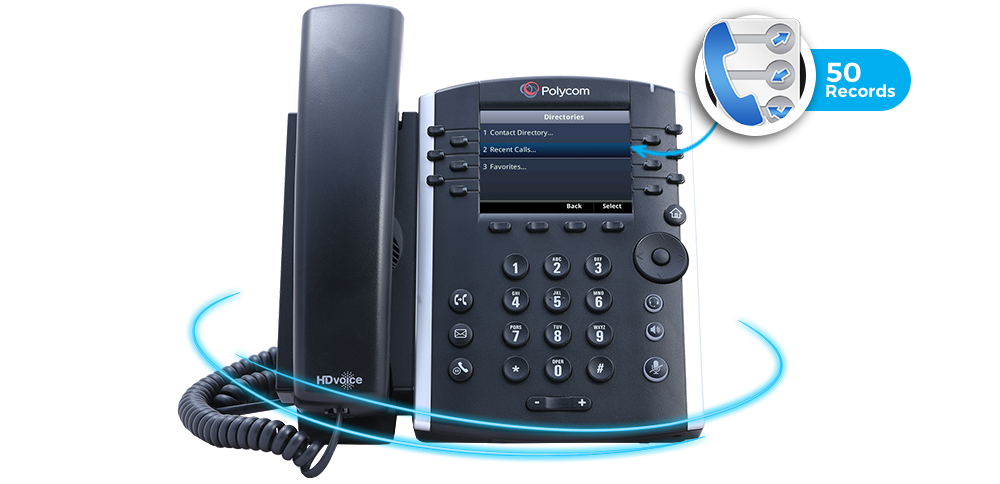
Each record contains the phone number, date and time of the
call. 50 records of each type are maintained on your phone.
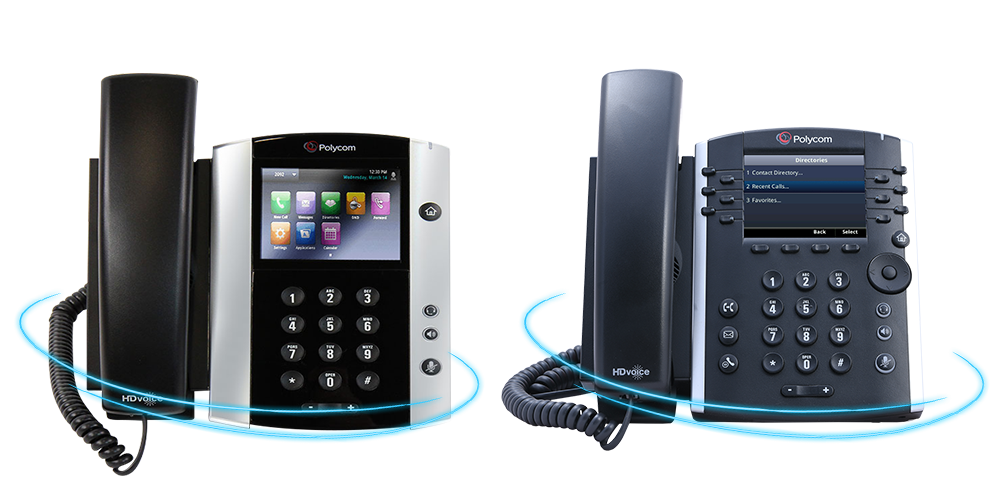
Accessing your call records from a touch screen phone is
a very different process from a hard key phone, so we will
show you both methods.
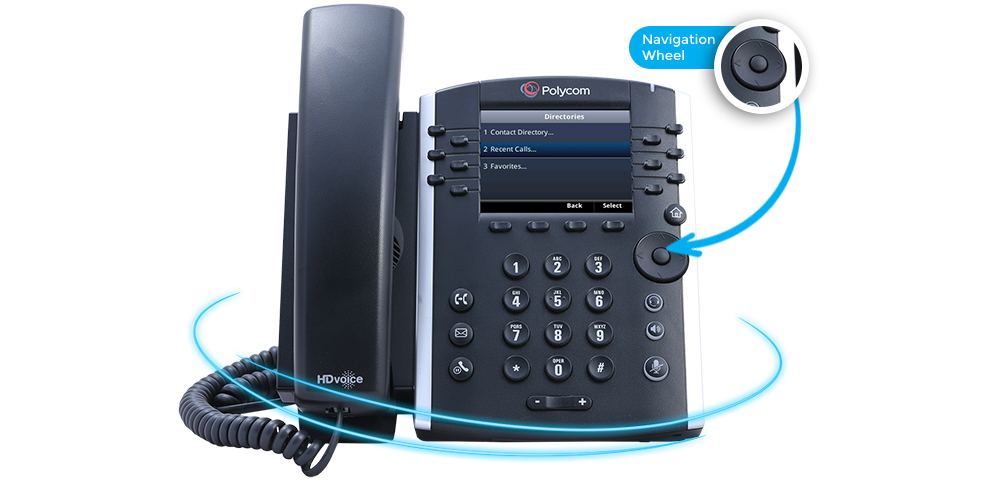
Those with a hard key phone will use the navigation wheel on
the right side of the phone to access each of the three call
record lists.
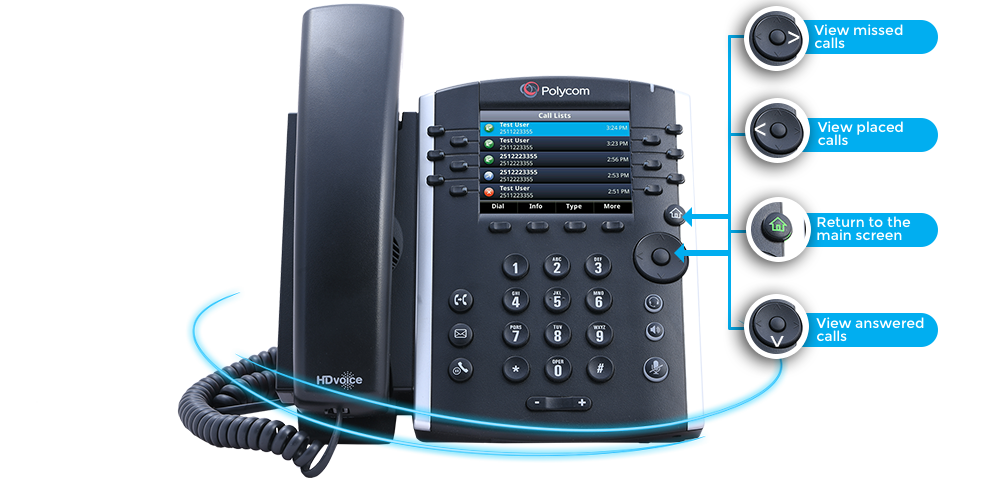
Press the down arrow to to view answered calls, the left arrow to view placed
calls and the right arrow to view missed calls. You will need to hit to home button
to return the main screen between each call list.
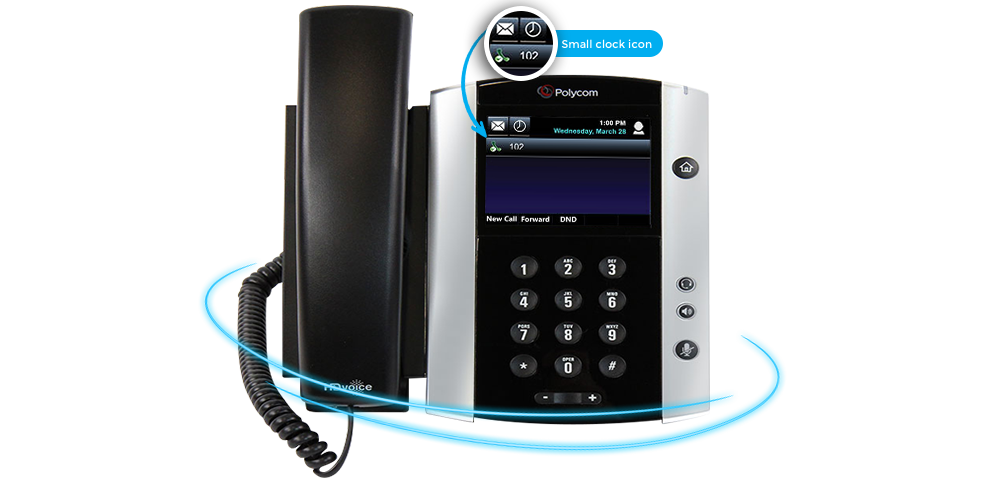
If you have a touchscreen phone, locate the small clock icon in the left
hand corner of your screen and press this icon. You will be presented
with a list of all call record types in one list.
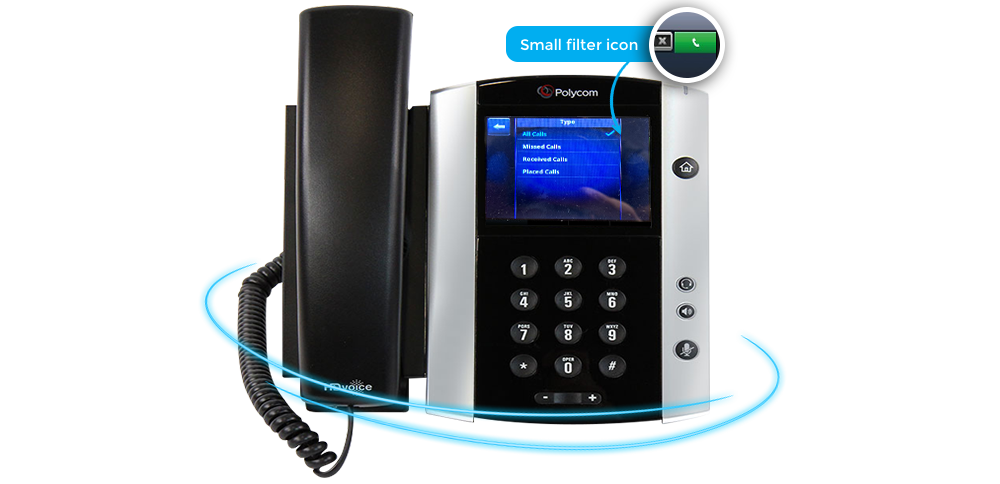
If you select the small filter icon in the upper right hand
corner of this screen you will be able to filter call records
by missed, placed or answered calls.