
Initial Voicemail Setup
Before we begin setting your voicemail, let's go over a few important details. Now
that
you know more
about the voicemail features Kloud 7 offers, we are ready to setup your
one time voicemail passcode
and
record your No Answer Greeting.
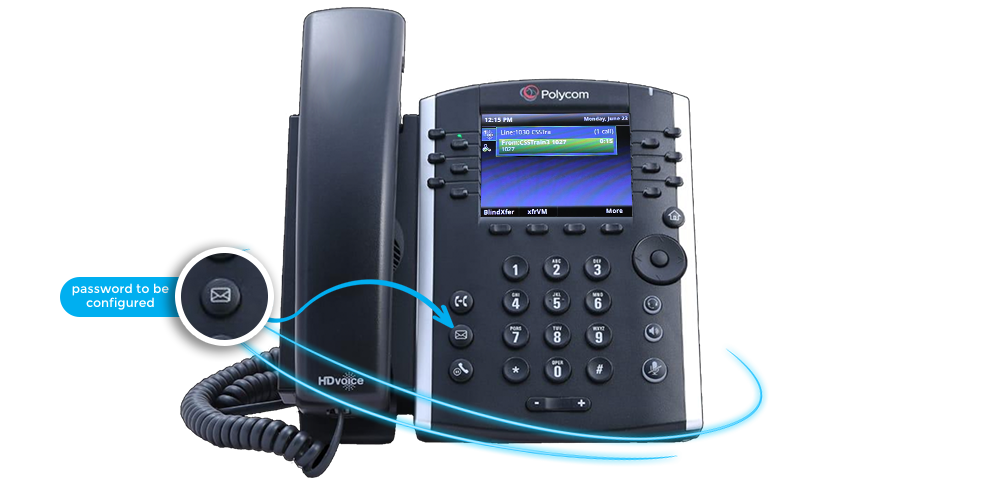
The one time passcode is a security feature that is required for advanced voicemail
features that most users do not use. Our system does require a password to
be configured before you can access the voicemail portal.
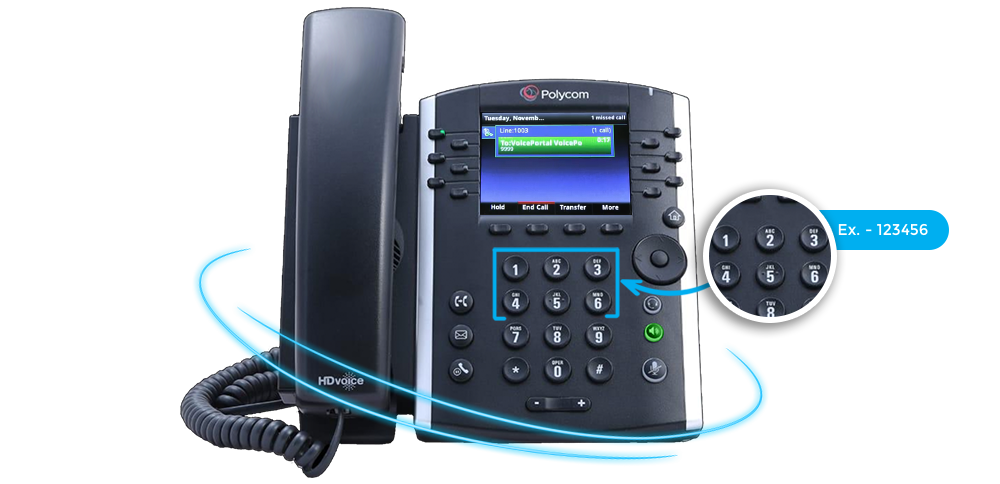
You will only be required to do this one time and will not
be
prompted for this passcode again. You have to use a six
digit non-sequential number. Ex. - 456654
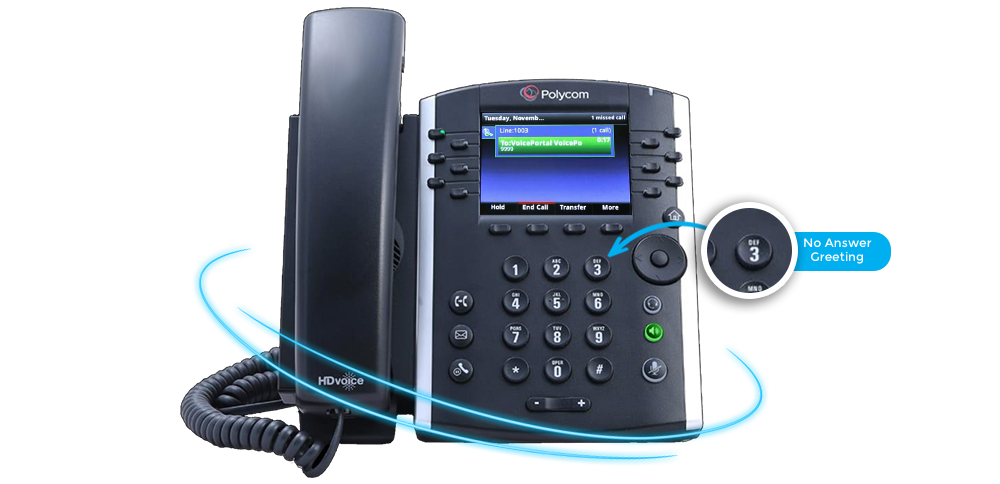
As soon as you connect to the voicemail portal you will be
prompted to enter the passcode
twice. Then you will record your name for the No Answer
Greeting. We
recommend scrolling
through all the steps in this section to preview the process before beginning.
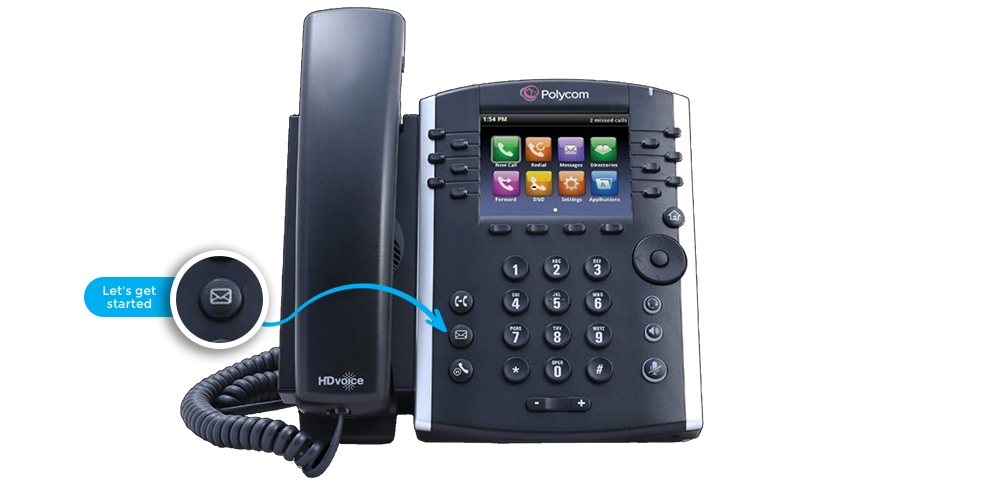
Let's get started. Press the
voicemail button on
your phone.
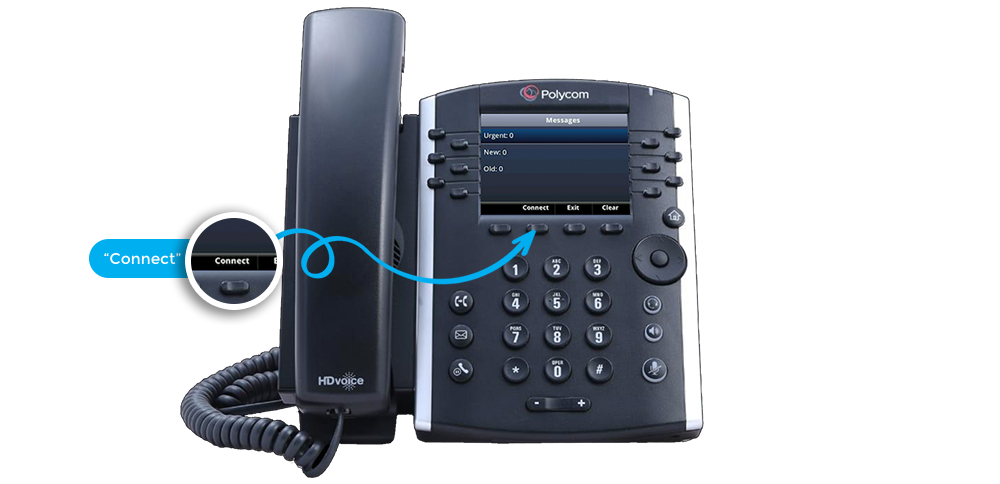
You will move to the messages screen where you will see
the
menu
option “Connect” on your screen.
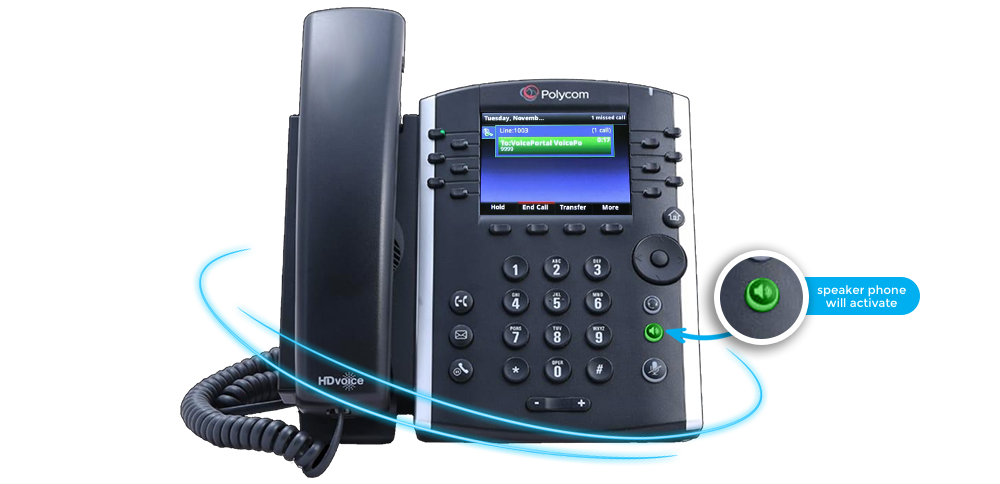
Select “Connect” to access your voicemail portal. You
speaker
phone will activate
and a voice prompt will ask you to enter the 6 digit one time passcode
twice.
Congratulations,
you voicemail is now setup and ready to use
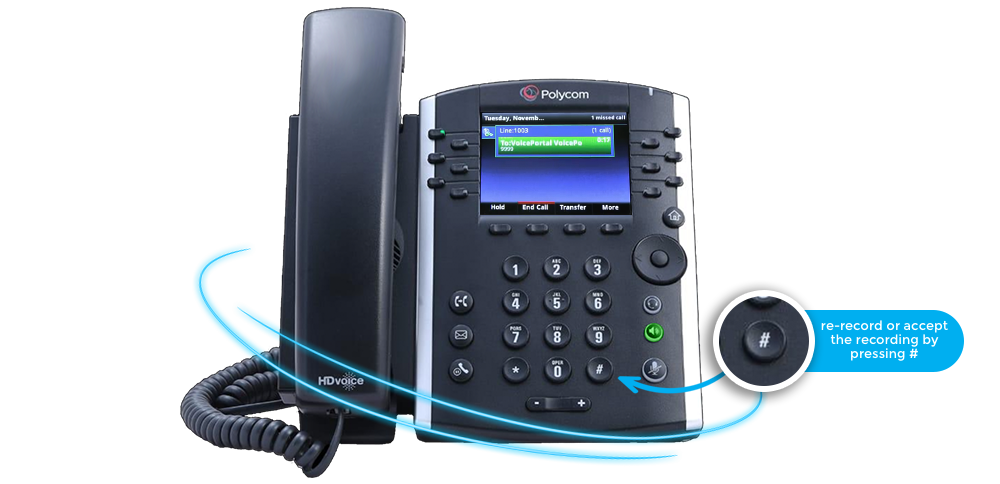
You will then be prompted to state your name which will be
recorded as your No
Answer Greeting. You can then listen to your recording, re-record or accept
the
recording by pressing #.