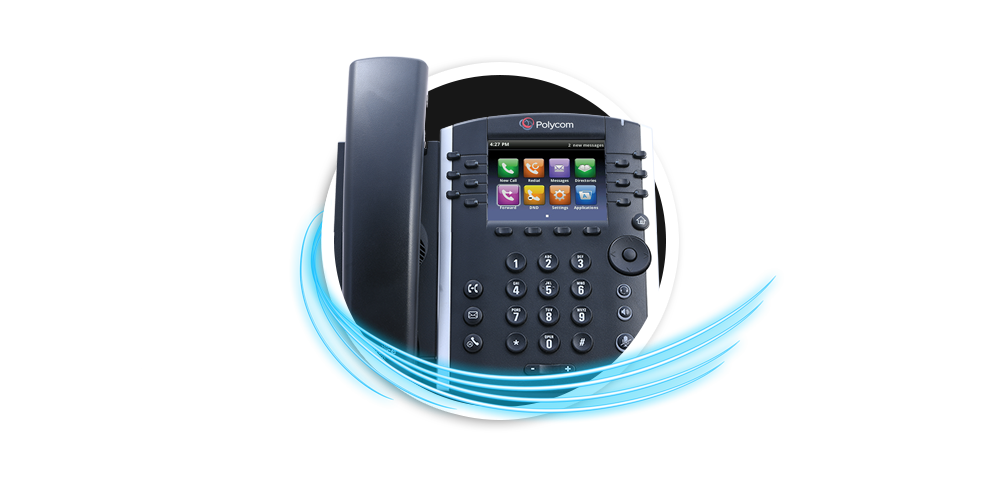
Do Not Disturb
Sometimes you are in the office and need the ability to temporarily remove all distractions,
like incoming phone calls. This is possible with the Do Not Disturb (DND) feature.
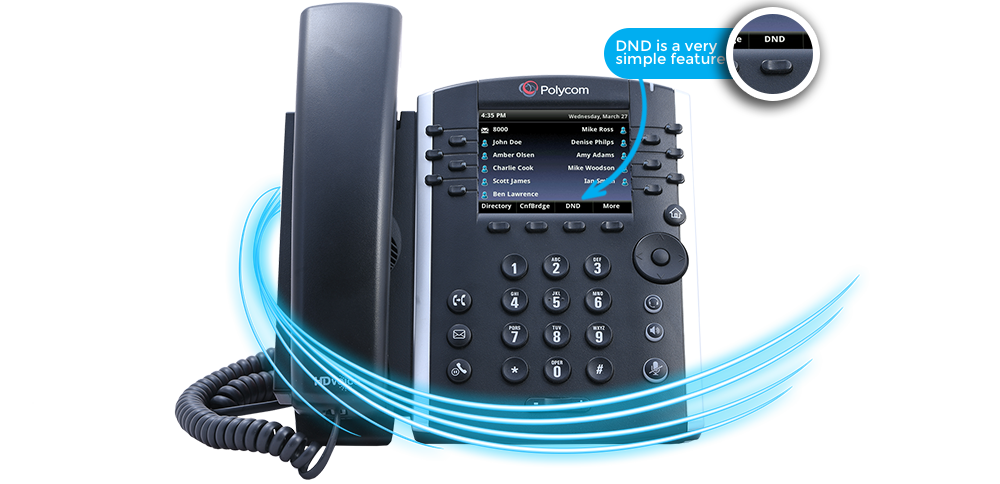
DND is a very simple feature,but can greatly improve your efficiency at work
when you need to focus or are conducting a meeting.
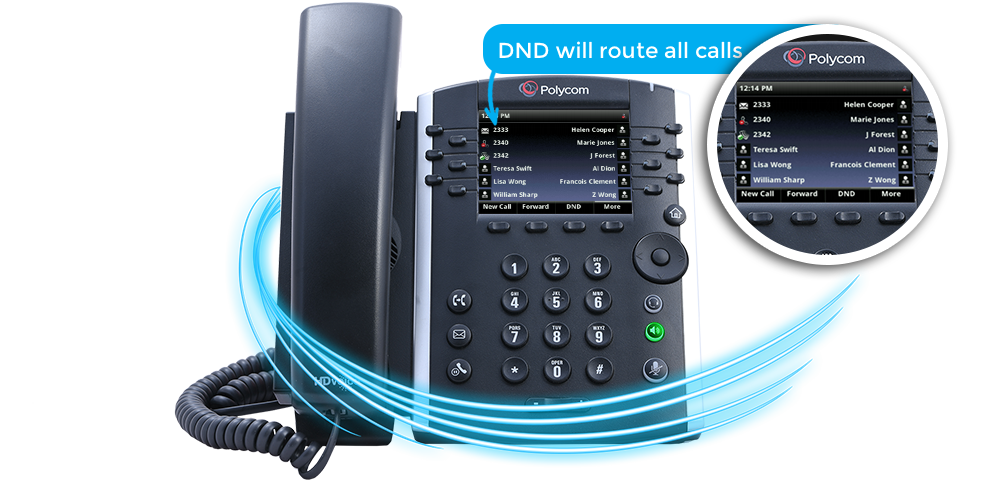
When activated DND will route all calls to your phone directly to voicemail
without causing your phone to ring.
Before we begin, DND is a feature that is on for all users by default. Some organizations
do not want this feature active and it will be disabled. Reach out to our support team if
you face any issues.
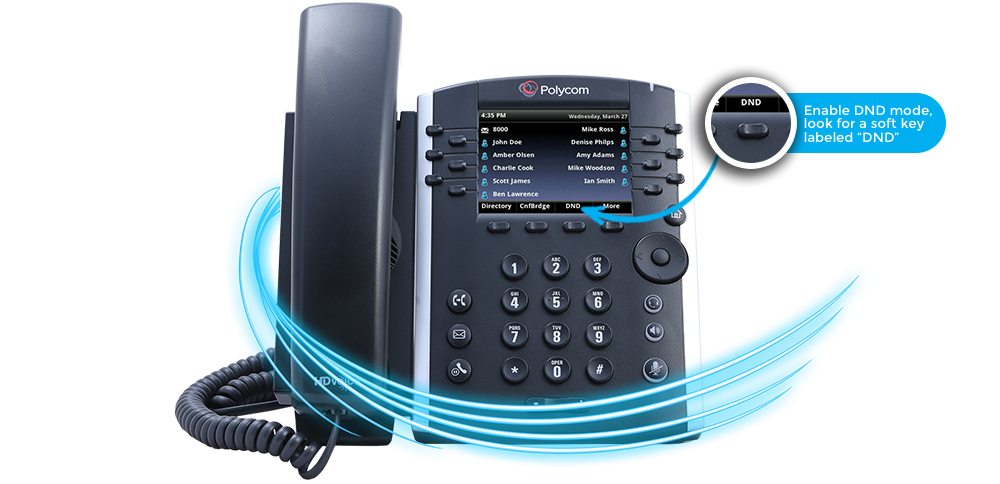
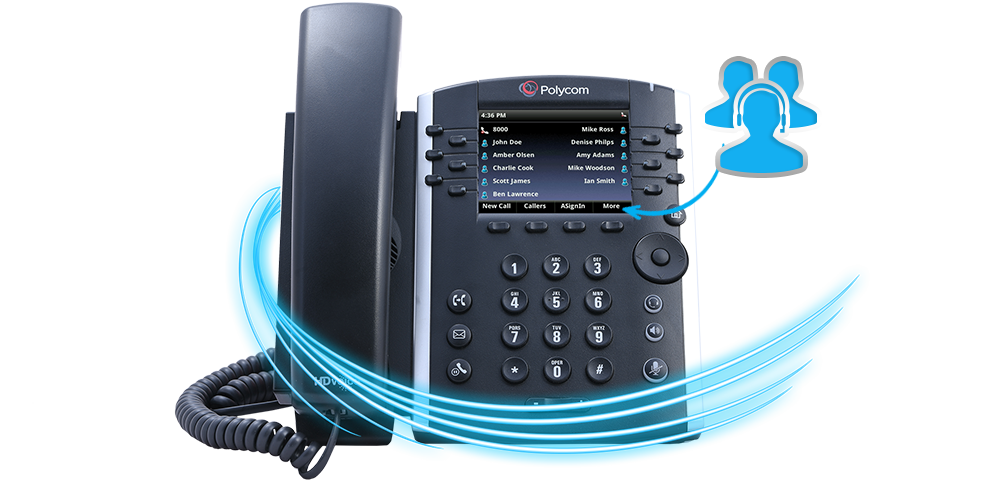
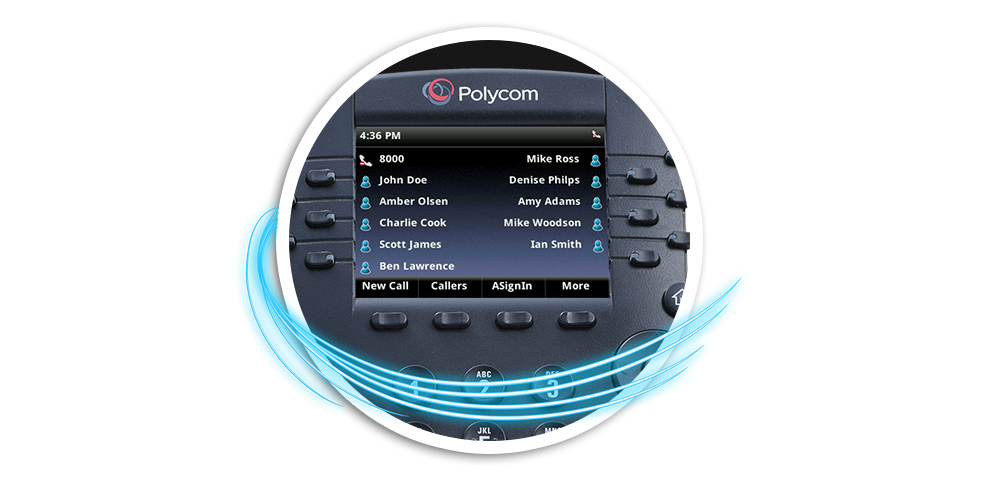
To enable DND mode, look for a soft key labeled “DND”. If you do
not see this, select the “More” soft key" to see additional options.
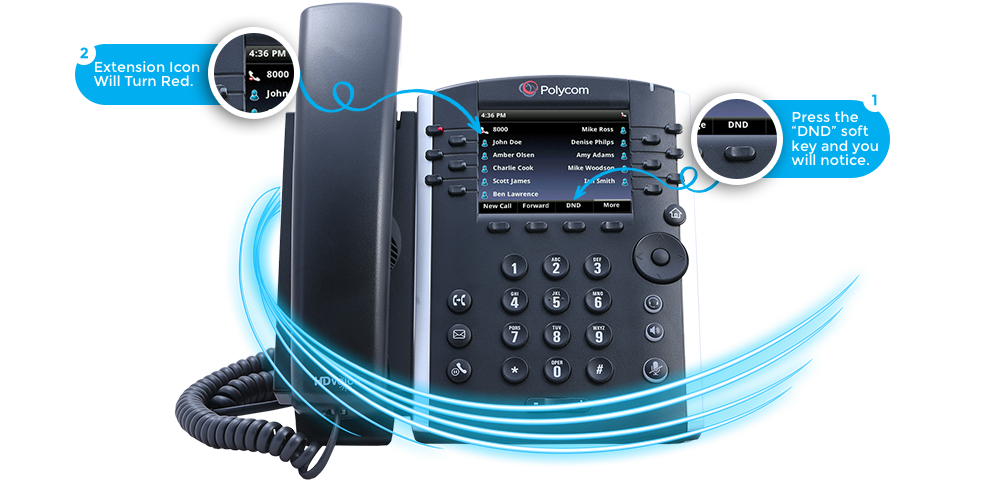
Press the “DND” soft key is pressed you will notice a red ban symbol covers the
standard green check mark next to your extension on your phone. This indicated
that your phone is in Do Not Disturb mode.
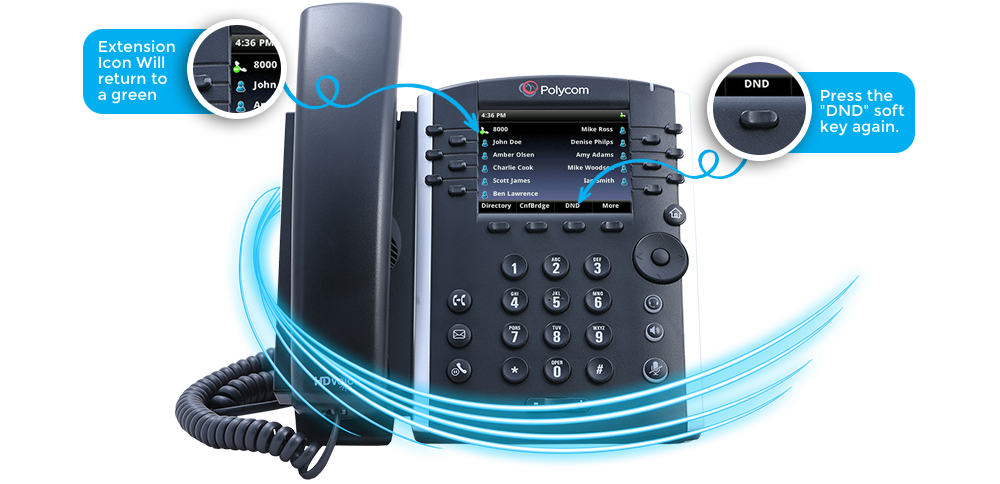
To deactivate DND, press the “DND” soft key again and
you will notice your extension icon will return to a green
check mark.
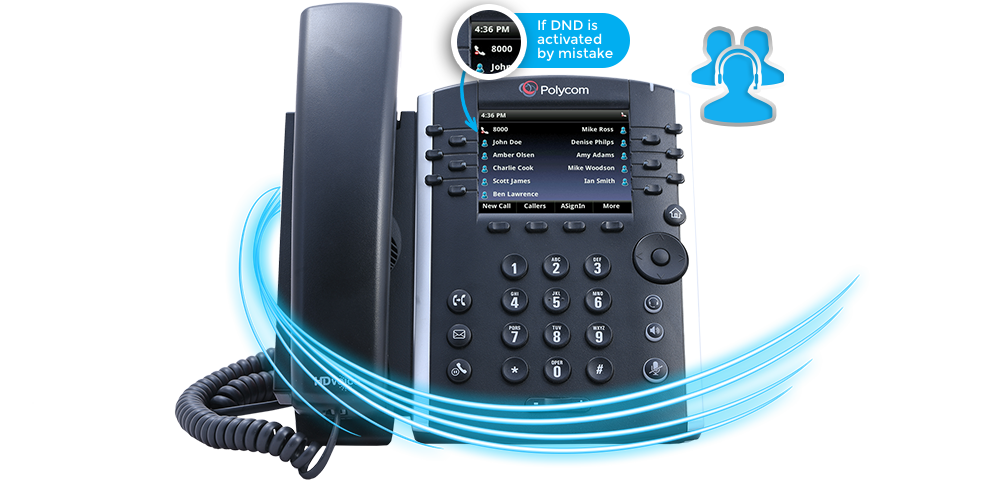
If DND is activated by mistake your phone may appear that it is having a technical
issue and not receiving calls properly. Our support team can remotely check on your
DND status, so please reach out if help is needed.
Having constant communication is a great thing, but having the ability to
temporarily suspend it can be very beneficial!