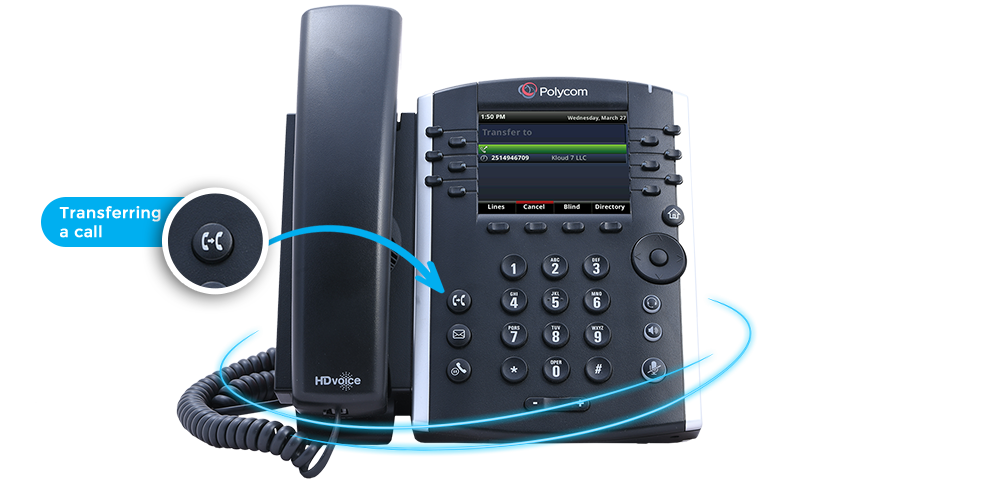
Transferring Calls
Transferring a call is a simple concept where an active call is moved from
one phone to another. Kloud 7 offers three separate transfer types that
we will explain and show you how and when to use.
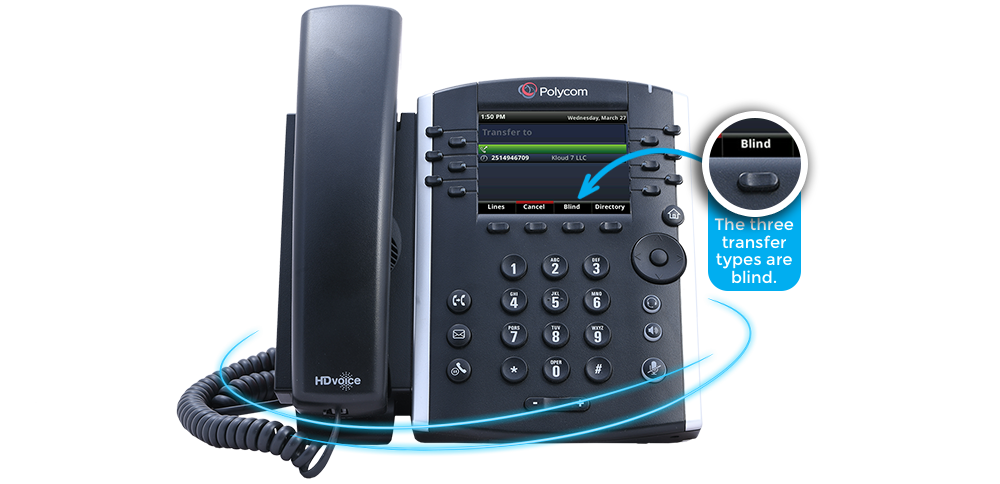
The three transfer types are blind, consultative and
voicemail. The names somewhat describe how they
function, but we will clarify.
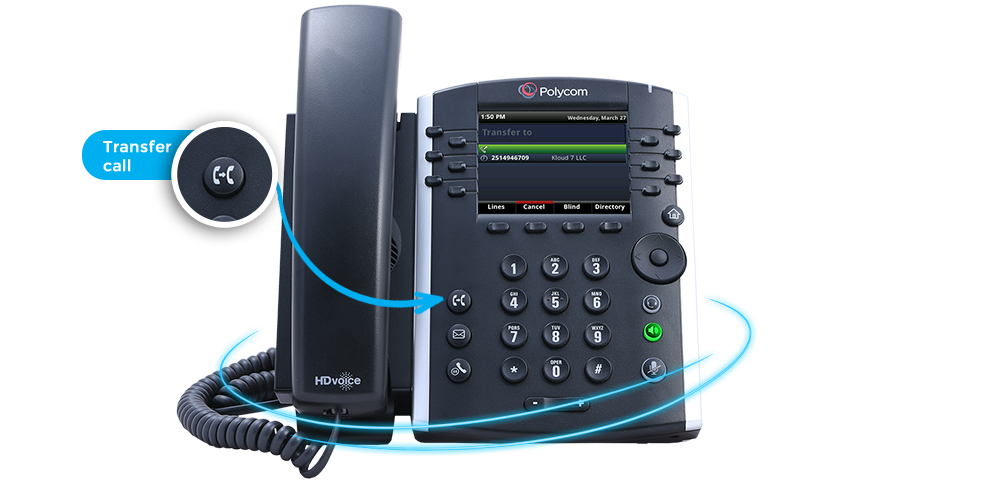
The blind transfer sends a call to the recipient of the transfer without
informing the recipient in advance. This is commonly used when the caller is
well known or the recipient is expecting the call.
An consultative transfer is designed to allow the person who is initiating the transfer
to speak to the recipient of the transfer before initiating it. Consultative transfers
commonly used to filter unknown callers or unscheduled calls.
A voicemail transfer sends a call directly to coworkers voicemail and without
ringing the phone. This is useful when someone is unavailable. A voicemail
transfer only works between Kloud 7 phones using an extension.
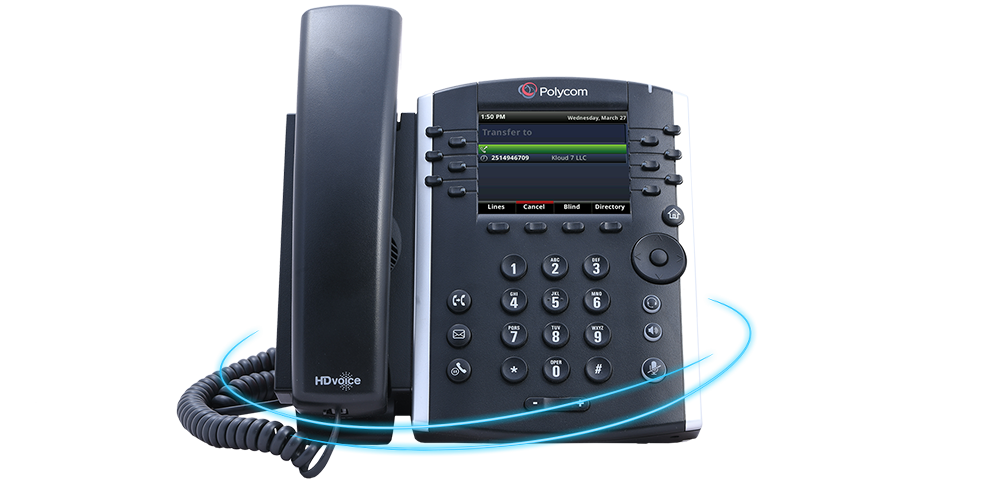
There must be an established call before initiating a
transfer. The call established is the one that will be
transferred.
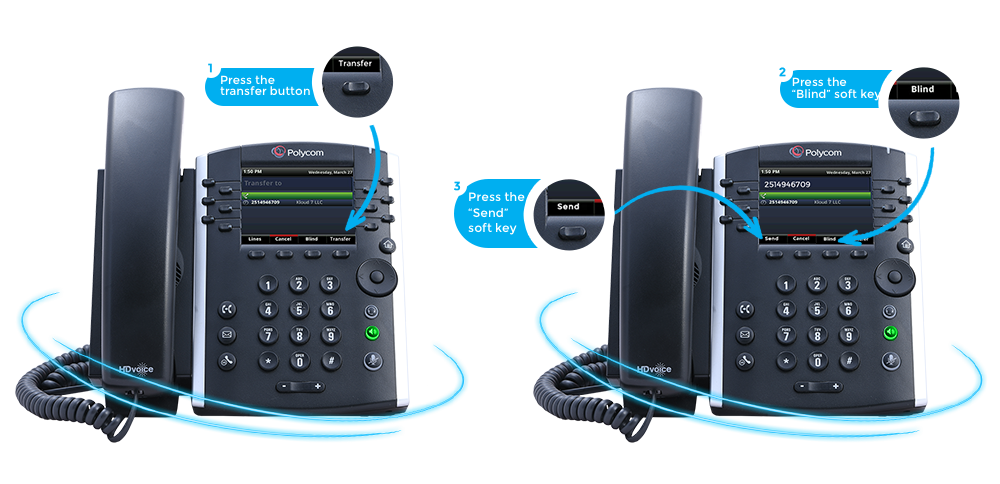
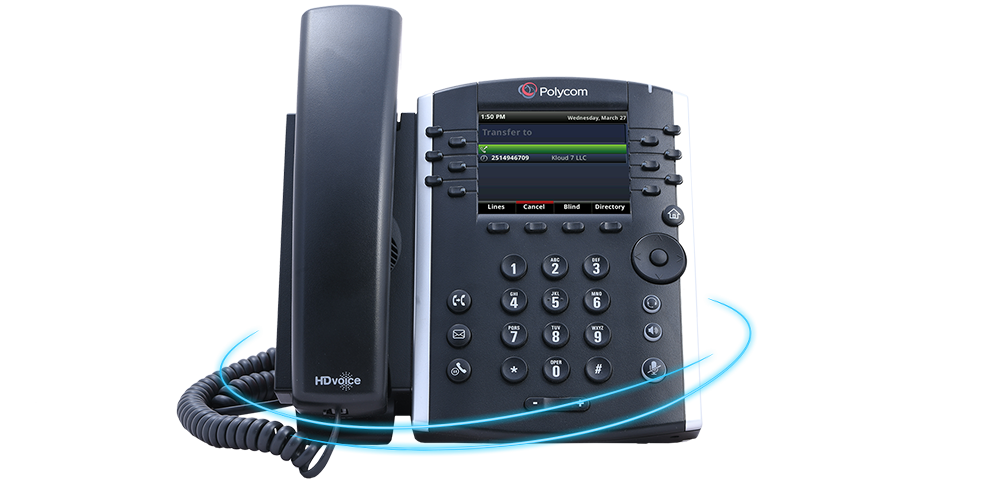
A blind transfer has 4 steps, First, press the transfer button or “Transfer” soft key. Second,
press the “Blind” soft key. Third, enter the recipient's phone number or extension. Fourth,
press the “Send” soft key.
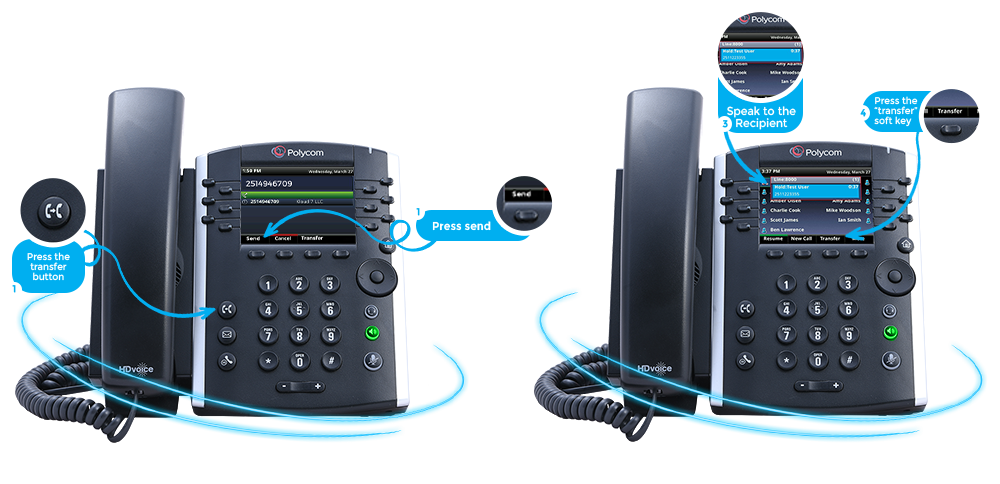
An consultative transfer has 4 steps. First, press the transfer button or the “Transfer” soft key.
Second, enter the recipient's number or extension and press the “Send” soft key. Third, speak
to the recipient. Fourth, press the transfer button or “transfer” soft key to complete.
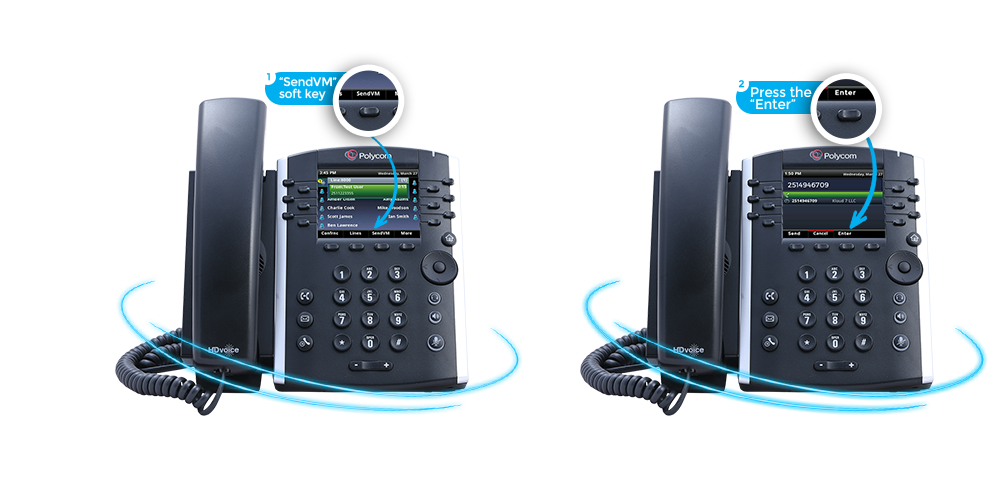
A voicemail transfer has 2 steps. First, press the “SendVM” soft key.
Second, enter the recipient's extension and press the “Enter”
soft key to complete the transfer
Transferring calls may seem a bit complicated at once, but will become
easy after trying it a few times!