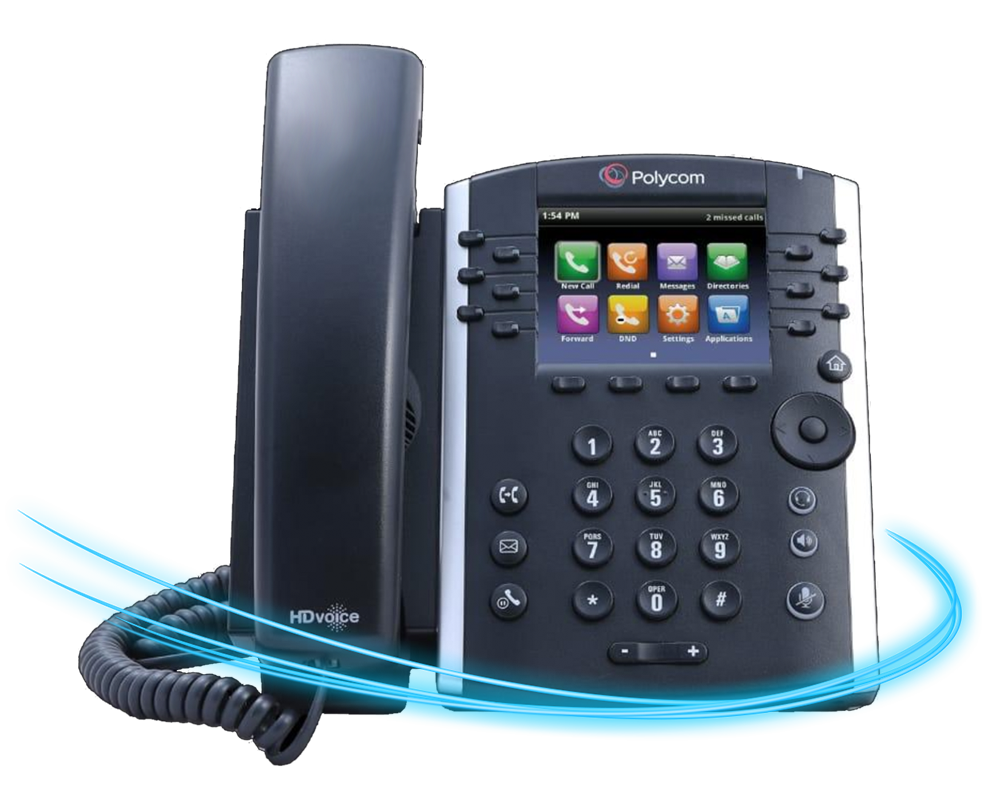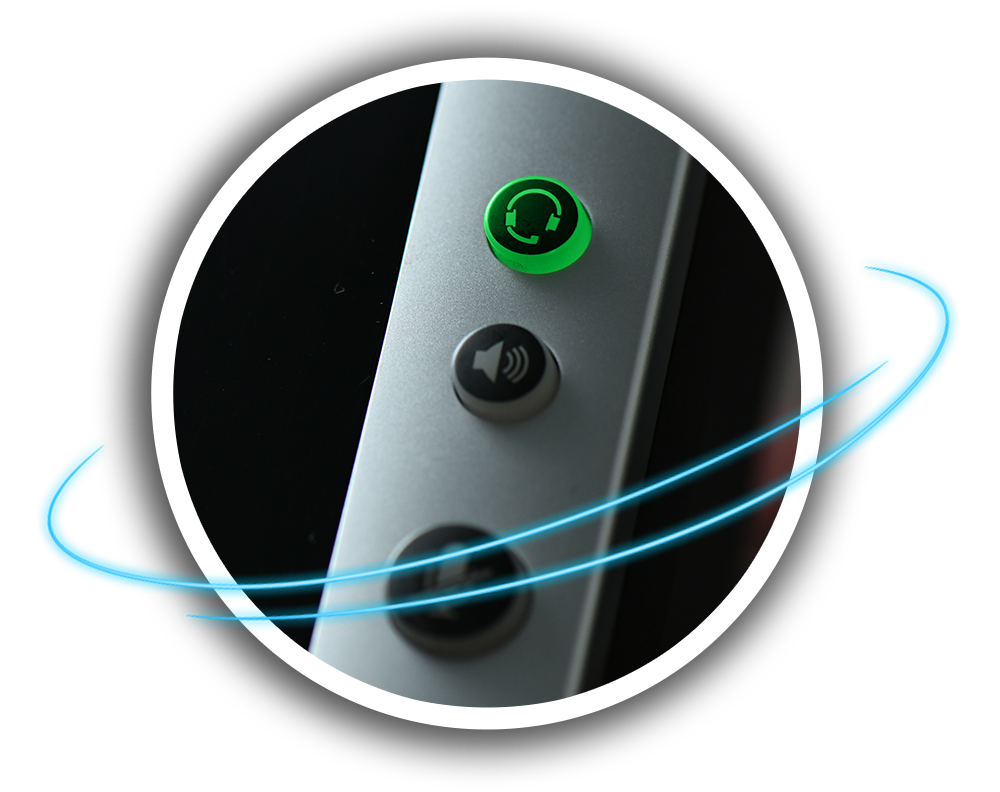
Becoming familiar with the model of phone you have
and what each button does is the first step.
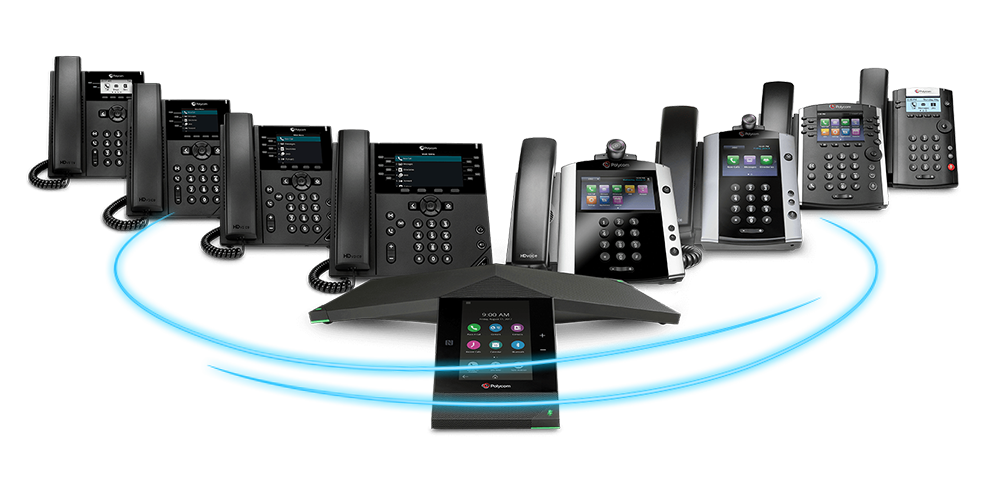
Kloud 7 uses the Polycom VVX series of phones for all customers. There are
6 models starting at the most basic and ending with the most advanced depending
on what features you and your organization require.

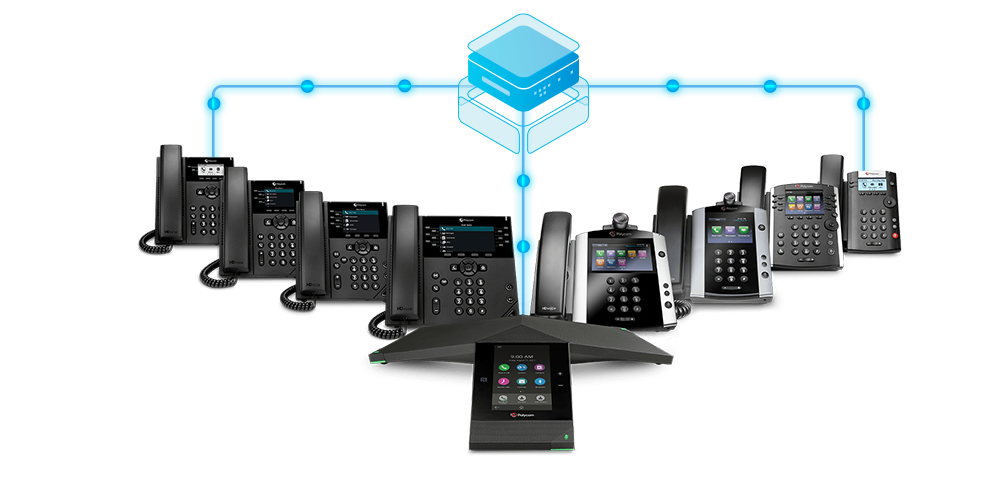
You can identify the the model of phone by comparing
it to the full lineup of phones shown: Click the button
below to download additional details about your phone model.
Though many technical differences exist between each
model, all of the phones are operated the same way using
the same icons and symbols.
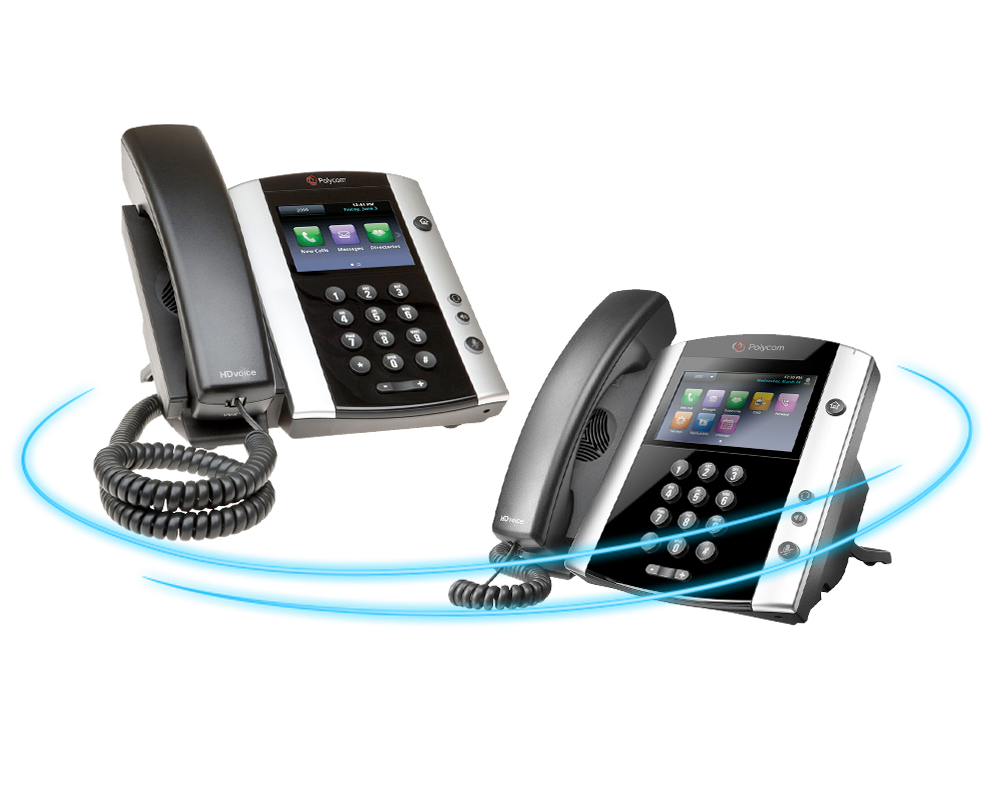
The most notable different is the Polycom VVX 500
and 600 series phones have a touchscreen
interface. Menu items on these two models can
be selected by directly tapping buttons on the screen.
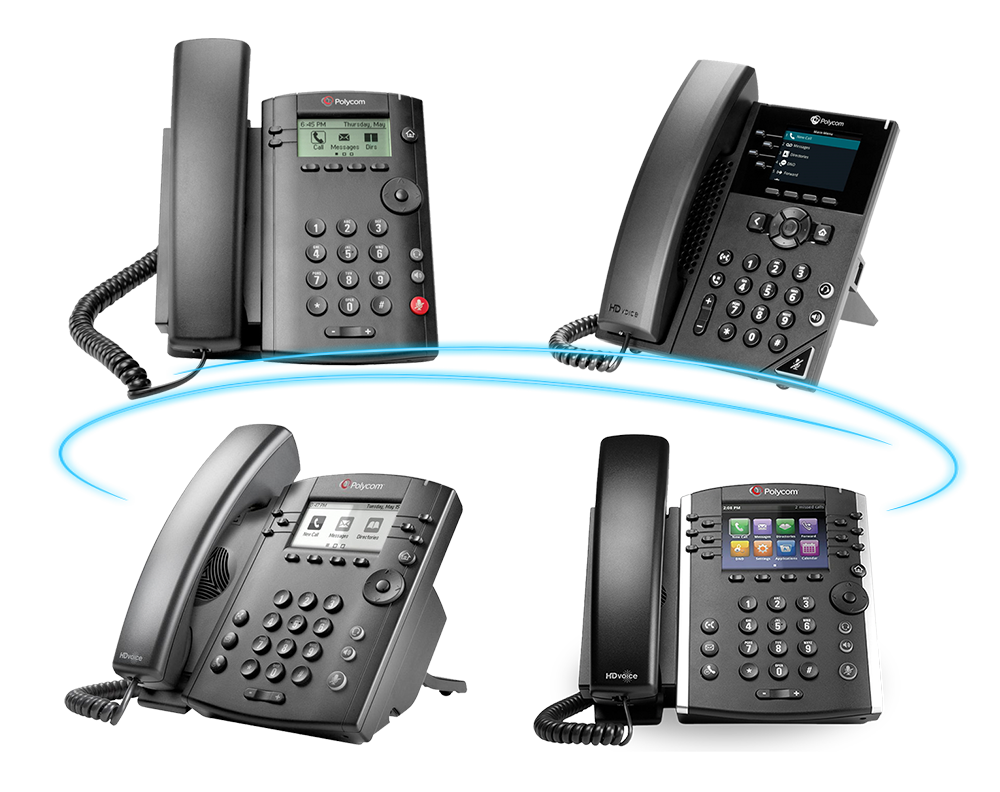
All other models use physical buttons below the
phones screen to select menu items on the screen.
These keys are known as “Soft Keys”
We will be using the Polycom VVX 400 series phone
throughout this training guide. Since all models are
extremely similar following along with a different model
should be easy!