Voicemail BASICS
Voicemail is an essential and common feature provided by most phone
systems. Kloud 7
offers a few
additional voicemail features that we will
introduce you before we begin your initial
setup.
NO ANSWER GREETING
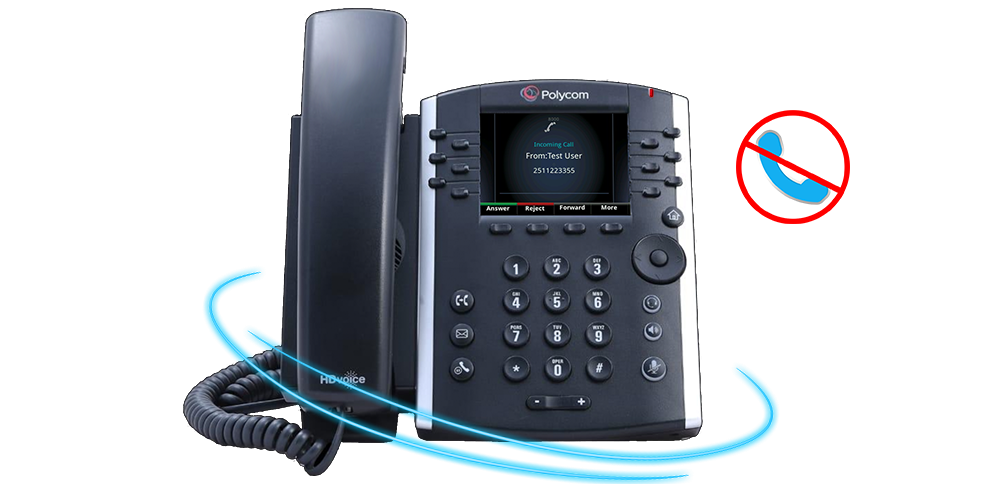
If you are unable to answer a call, a pre-recorded message known as your “No Answer
Greeting” is
used.
The greeting will ask the caller to leave a message. This is the traditional
voicemail you are likely
familiar with today.
BUSY GREETING
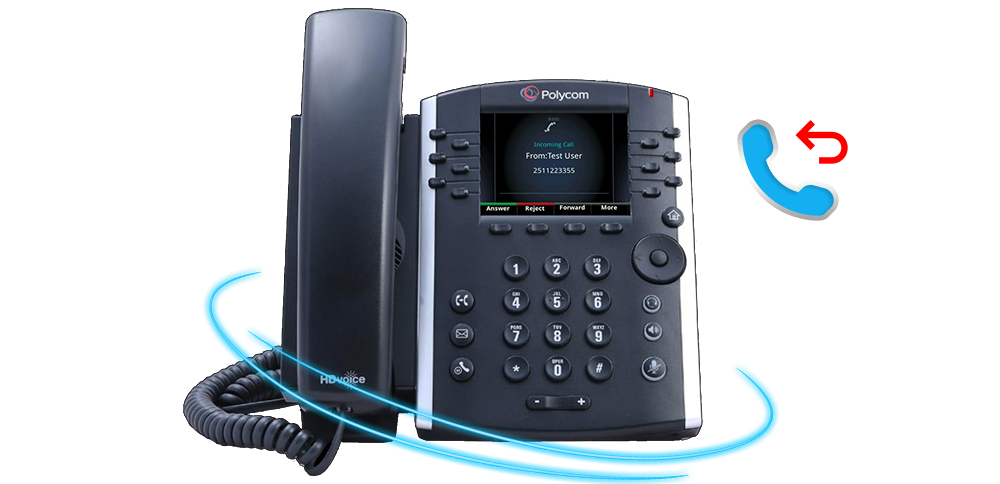
Kloud 7 offers an additional greeting type called the “Busy
Greeting.” This
is an option, but very useful feature for individuals that spend a lot of
time on
the
phone.
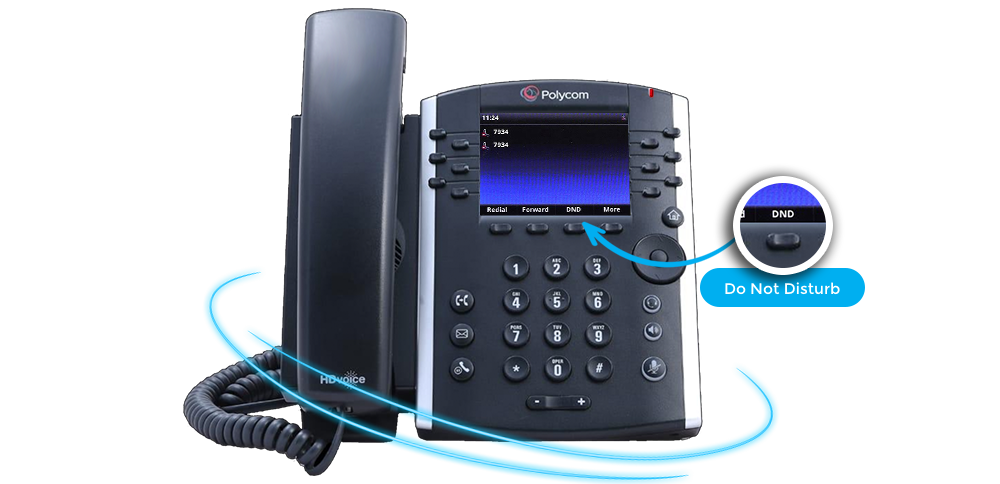
The “Busy Greeting” is used If your phone is in Do Not
Disturb mode (more on
this later), or a call is rejected. The “Busy Greeting” lets the
caller know you
are
currently working on something else and unavailable to take their call at the moment
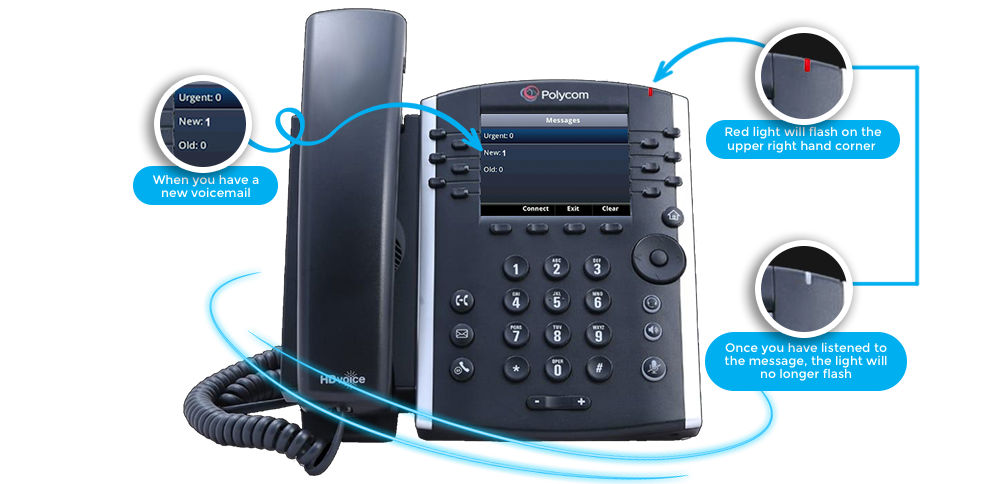
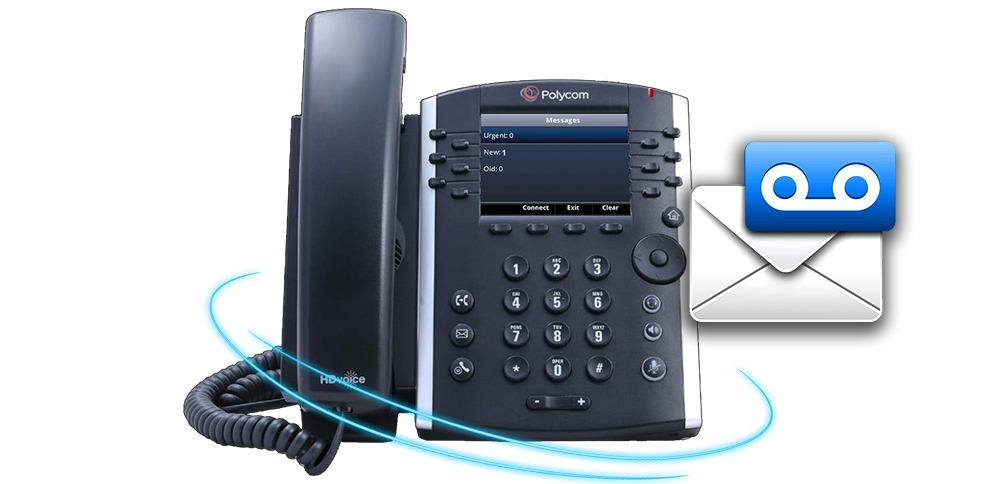
When you have a new voicemail a red light
will flash on the upper
right
hand corner of your phone. Once you have listened to the message, the
light
will no longer flash.
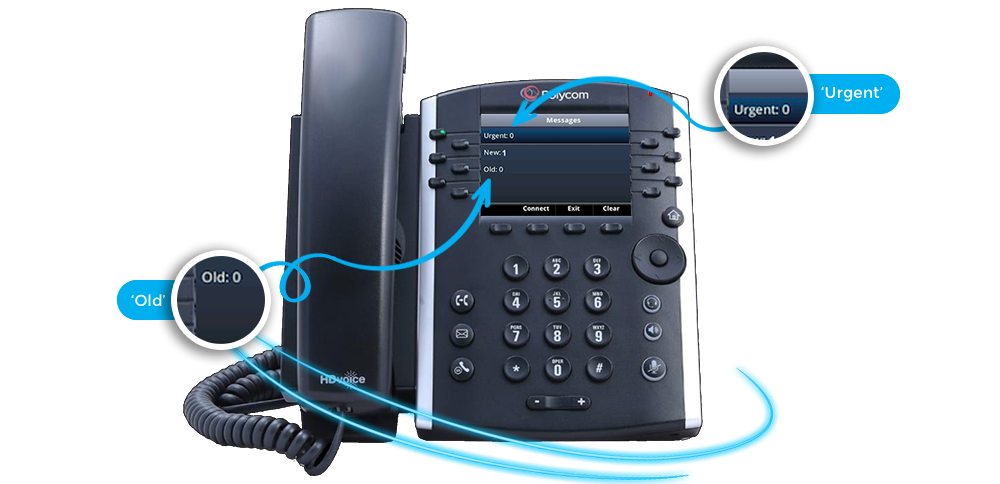
Press the voicemail button to see how many Urgent, New and
Old
voicemails you have. The
“Urgent” status is set by the caller while leaving the message.
"New" messages
have not
been listened to and “Old” message have, but not deleted.

Voicemail to email is a key feature that Kloud 7 provides to
every user.
When someone leaves you a voicemail, a copy of the voicemail is sent
to
your email address
as an attached audio file.