Placing and Answering Calls
This section will cover the very basics of using your new phone.
Placing and answering calls, using speakerphone, adjusting ringer and
call volume, reviewing call history and configuring a speed dial.

Let's start by walking through the process of making and answering a call.
You can initiate a call using the handset two different ways or with the
speaker phone. We will review all three options.
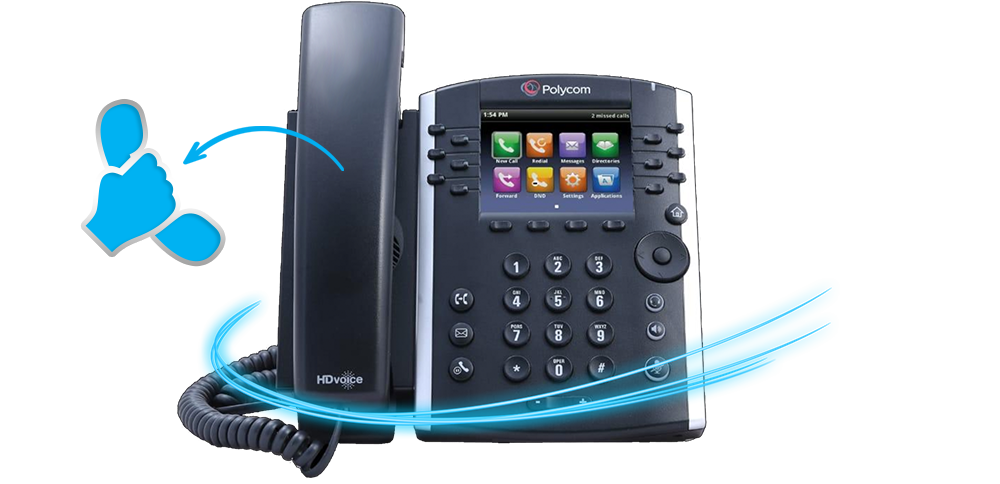
The first method of placing a call using your phones handset, requires that you
pick up the handset before you dial the phone number Go ahead and lift you
handset from the phone.
A box will appear on the screen for you to enter the number you wish to dial. A list
of the last few numbers you dialed will also appear on the screen incase you want
to call someone back who you recently called.
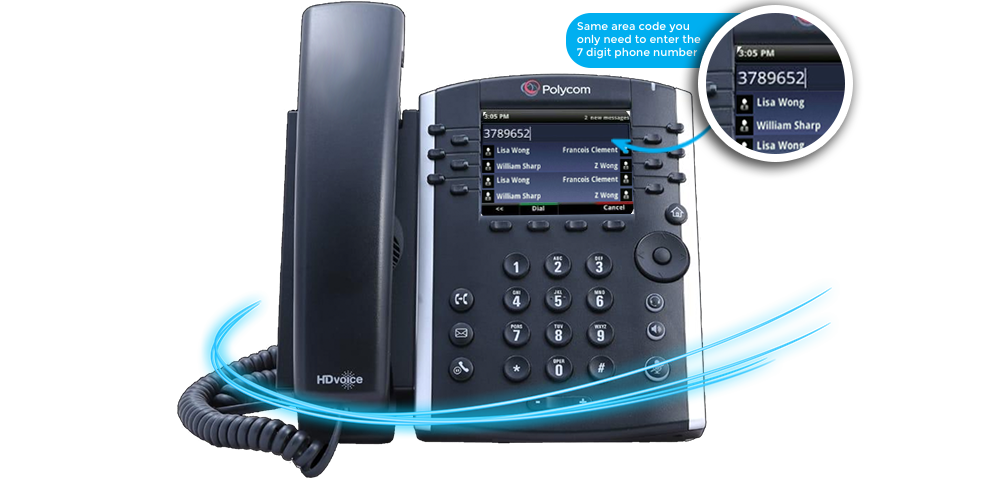
If you are calling someone with the same area code that your phone number
has, you only need to enter the 7 digit phone number and do not need to
enter the area code.
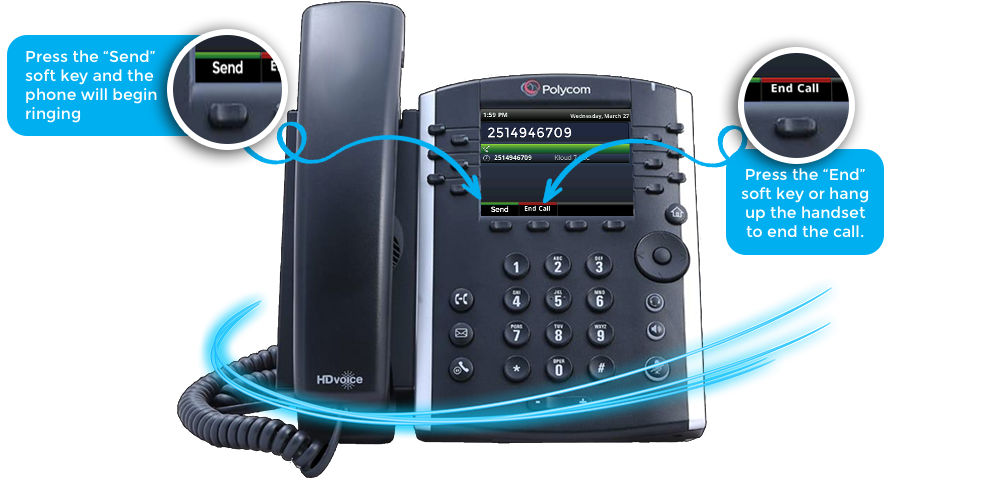
Once the number is entered you are ready to initiate the call. Press the
"Send" soft key and the phone will begin ringing. Press the End soft
key or hang up the handset to end the call.

The second method of placing a call is nearly the same
as the first process, saves you a step auto-dialing the
entered number.
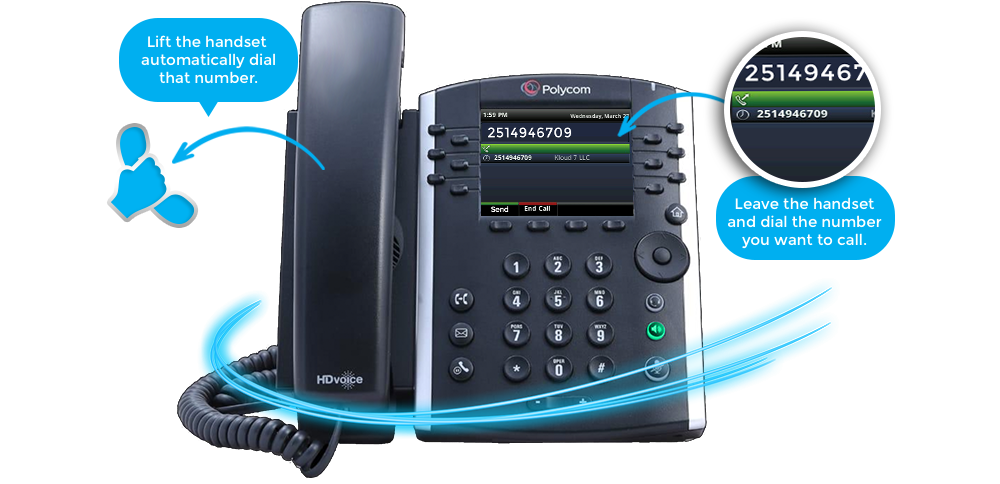
Leave the handset on the phone and dial the phone number you want to call.
Once entered and you are ready to initiate the call, lift the handset and the phone
automatically dial that number.
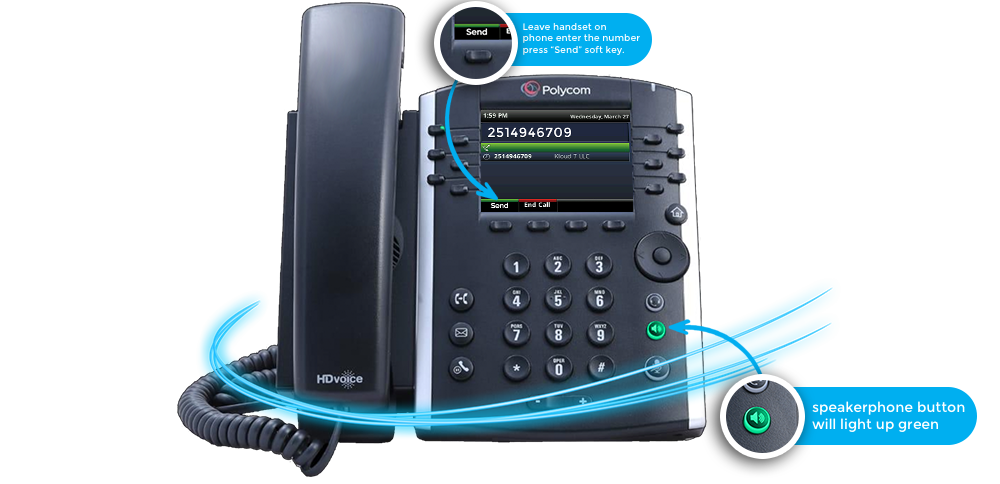
To initiate a call using speakerphone, leave the handset on the phone and enter
the number you want to call. When you are ready press the “Send” soft key. you
speakerphone button will light up green.
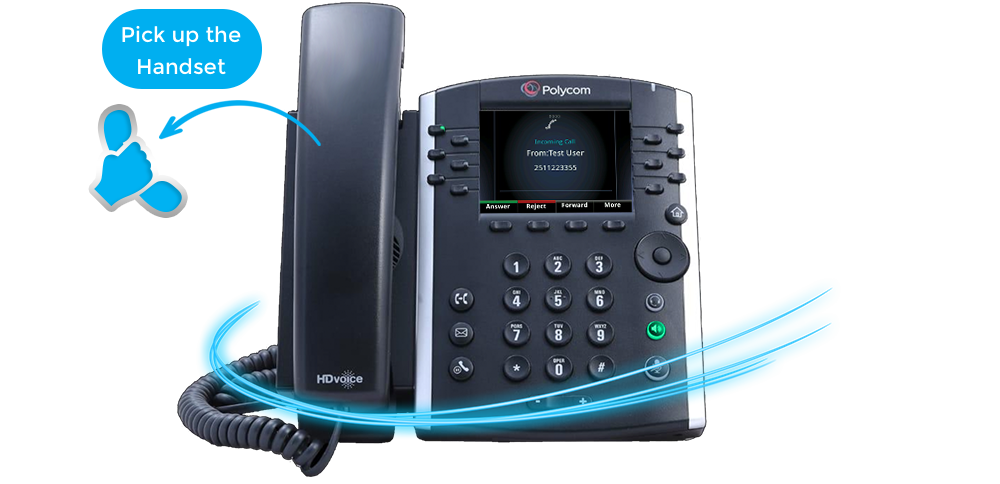
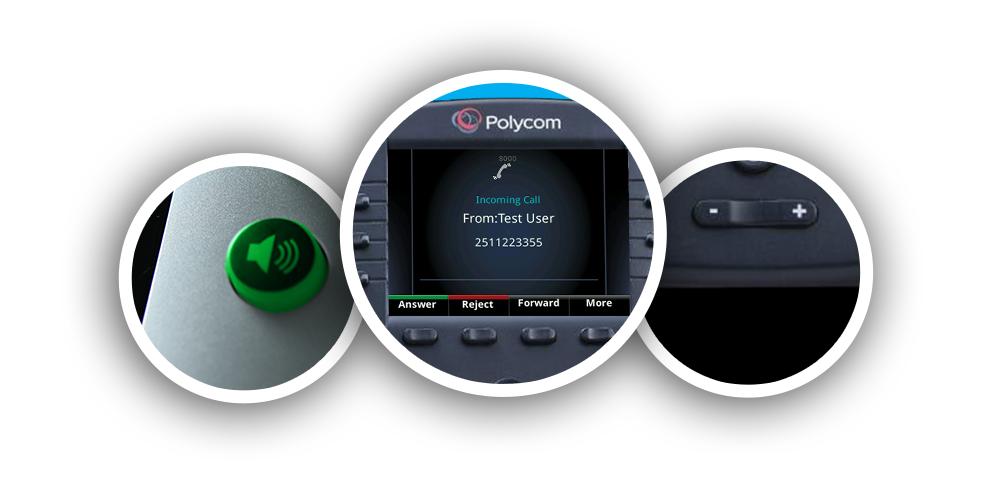
You can answer a call using your handset or speakerphone. When your phone
rings, the callers name or number will appear on your screen. Simply, pick up the
handset from the phone to answer the call.
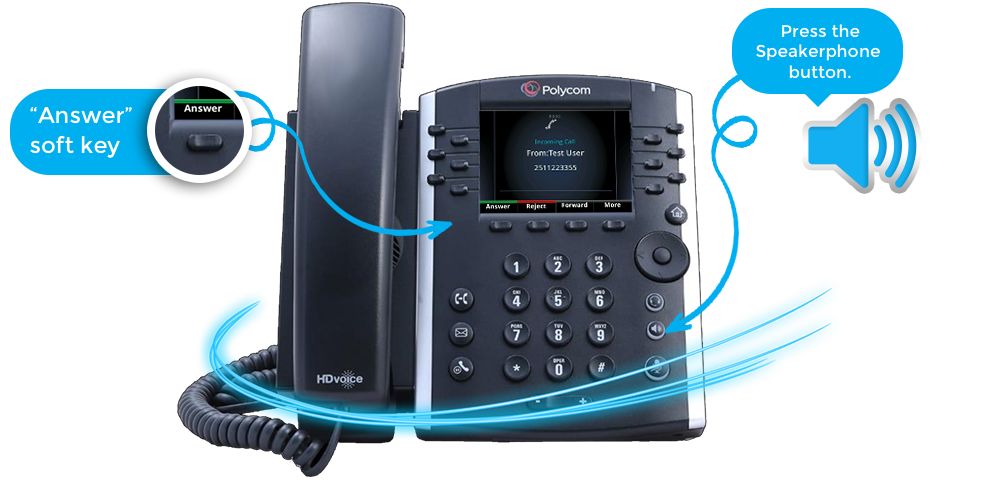
To answer a call using the speakerphone, leave the handset on the
phone and press the “Answer” soft key or press the physical speakerphone button
on your phone.