VOLUME CONTROL
Depending on your work environment you will need to adjust the volume
levels of the ringer and of the call audio. Luckily, this is a very simple process.
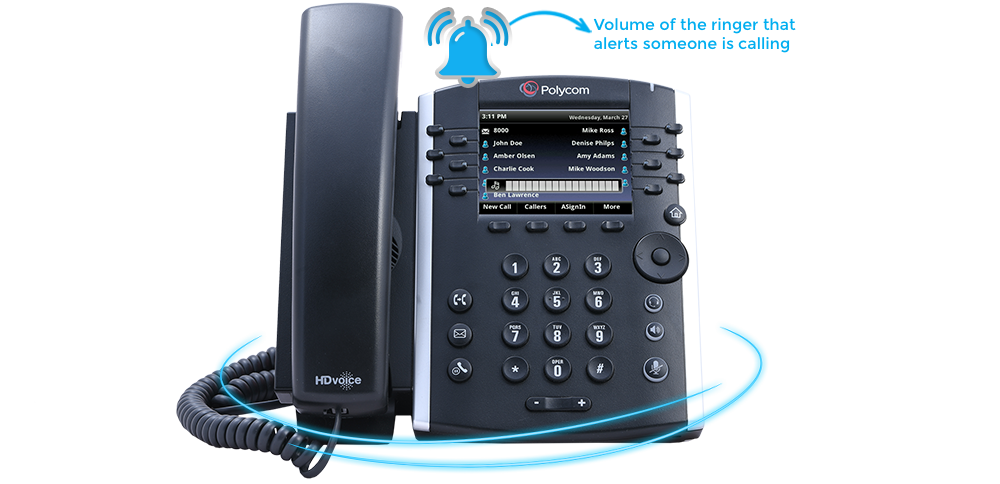
The volume of the audible ringer is controlled separately
from the headset of speaker phone call volume.
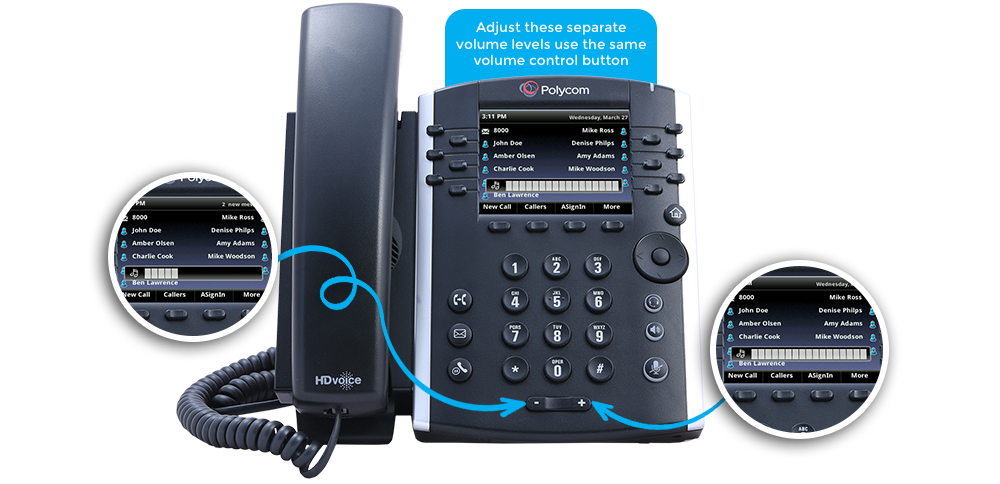
However, to adjust these separate volume levels you
will use the same volume control button.
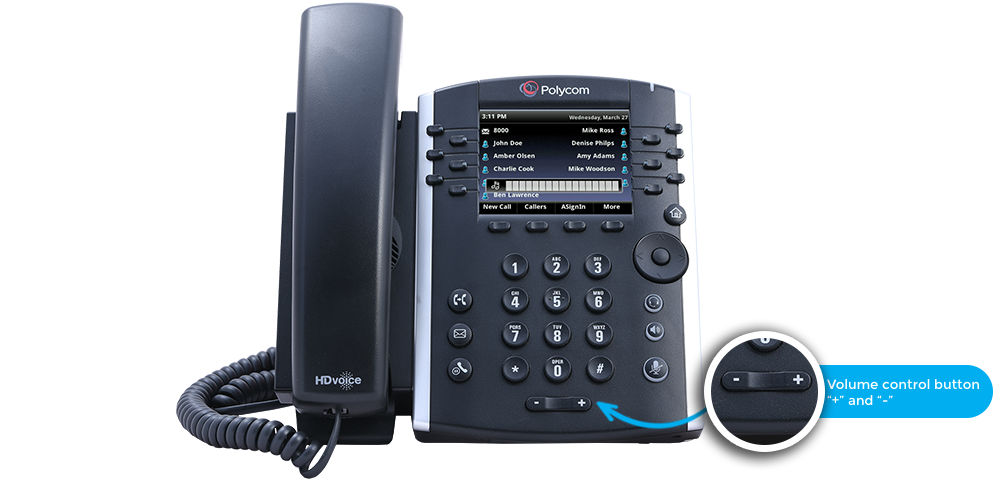
The volume control button is located at the very bottom
in the middle of the phone and has a “+” and “-”
printed on it.
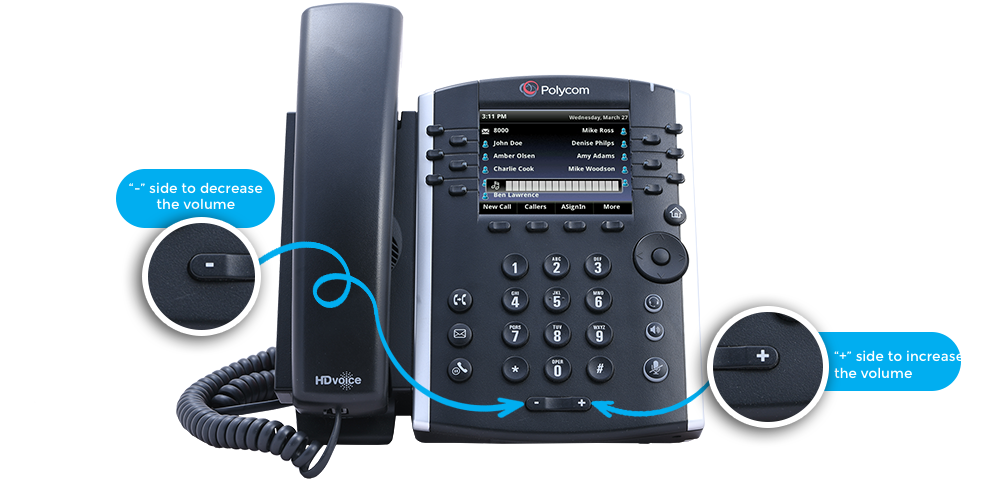
To adjust the volume level of your ringer, you must leave the handset on the
phone and no call can be active. Press the “+” side of the volume button to
increase the ringer volume and the “-” side to decrease it.
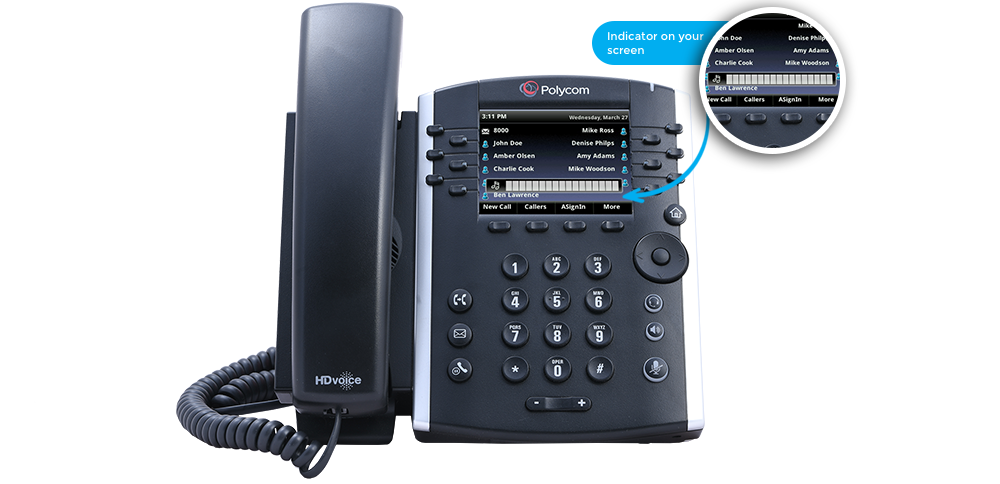
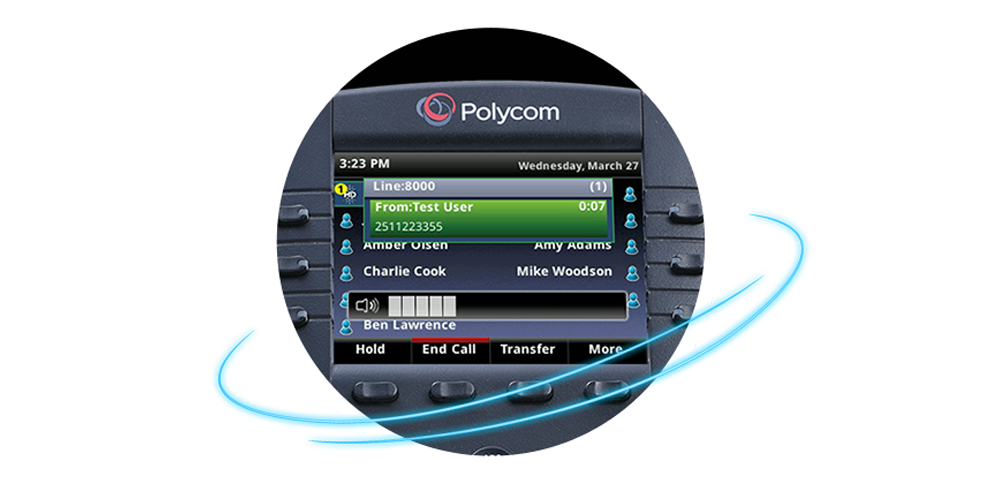
While you are making the volume adjustment, your will see an
indicator on your screen showing what level you volume is set
at visually.
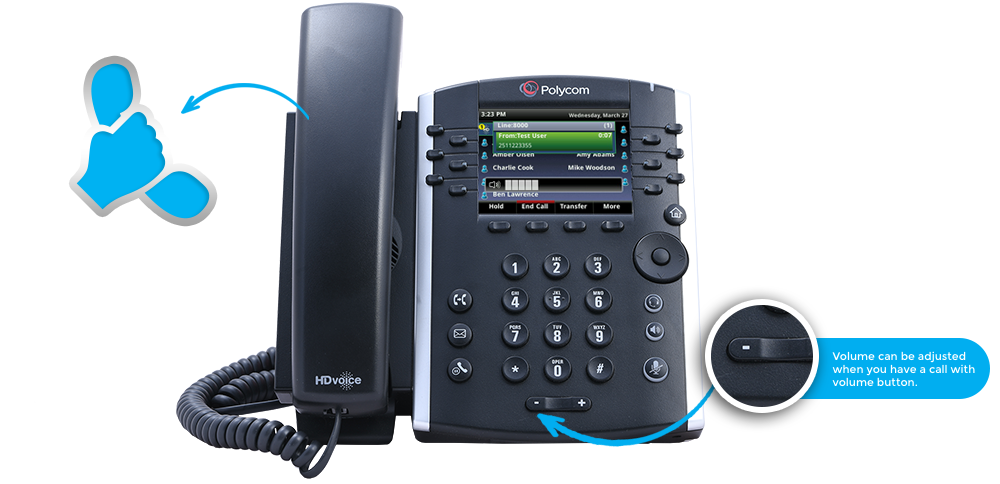
Your call volume can be adjusted when you have a call established and when you
do not. To adjust the call volume without a call established, lift the handset from
the phone then use the volume button to make the necessary adjustment.
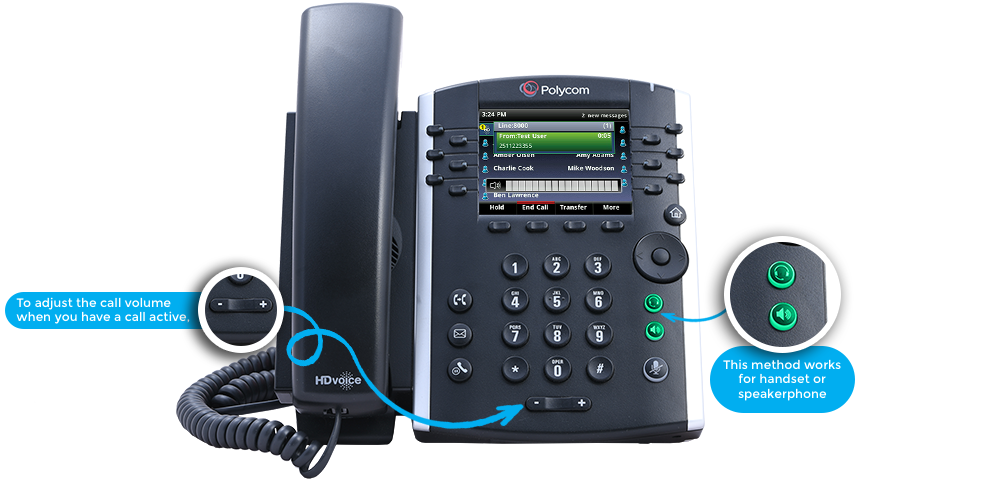
To adjust the call volume when you have a call active, simply use the volume
button to make the adjustment at any point during the call. This method works
for handset or speakerphone volume adjustments.