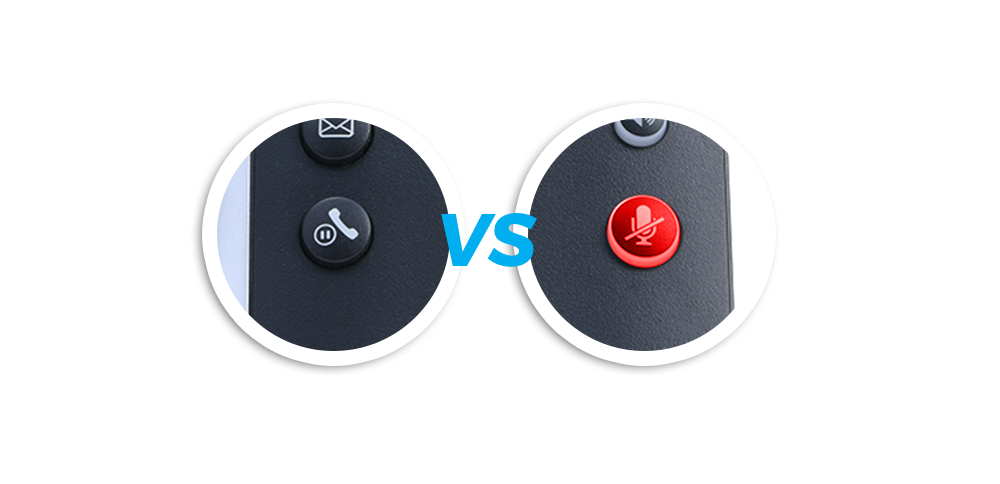
Call Hold vs. Mute
In this section we will introduce our most popular call management
features and show you how to use them.
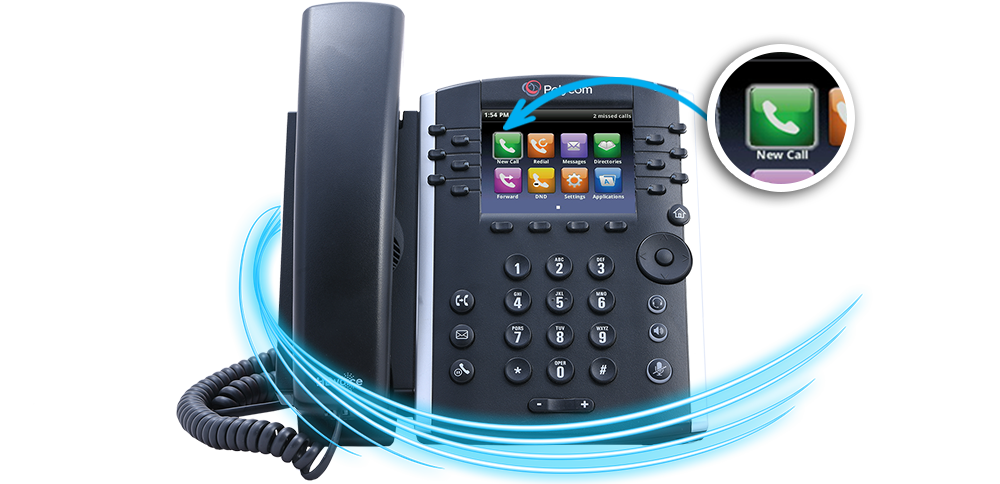
Call management are the set of features that seperate a business phone
from a basic phone line. These features center on making you and your
organization more efficient.
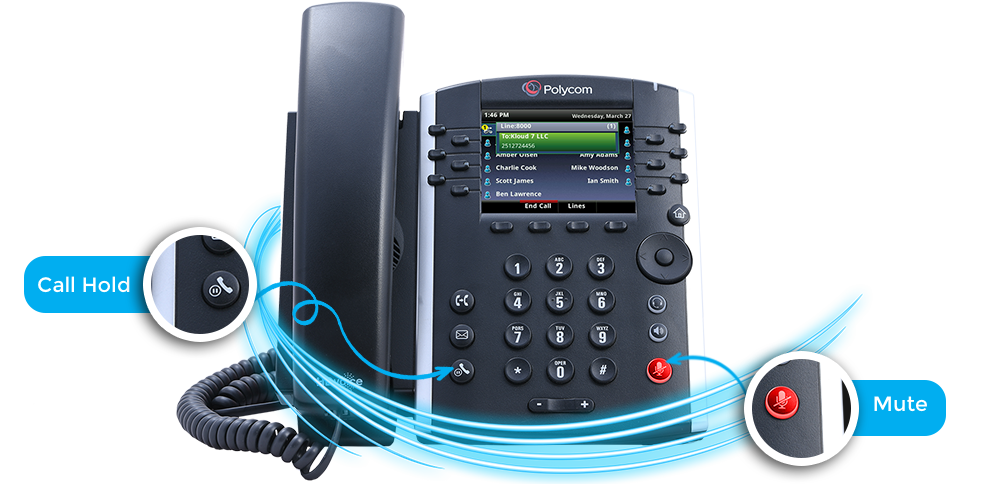
The two features we will start off with are Call Hold and Mute. These features
can be confusing because they appear perform very similar functions, but are
in fact very different.
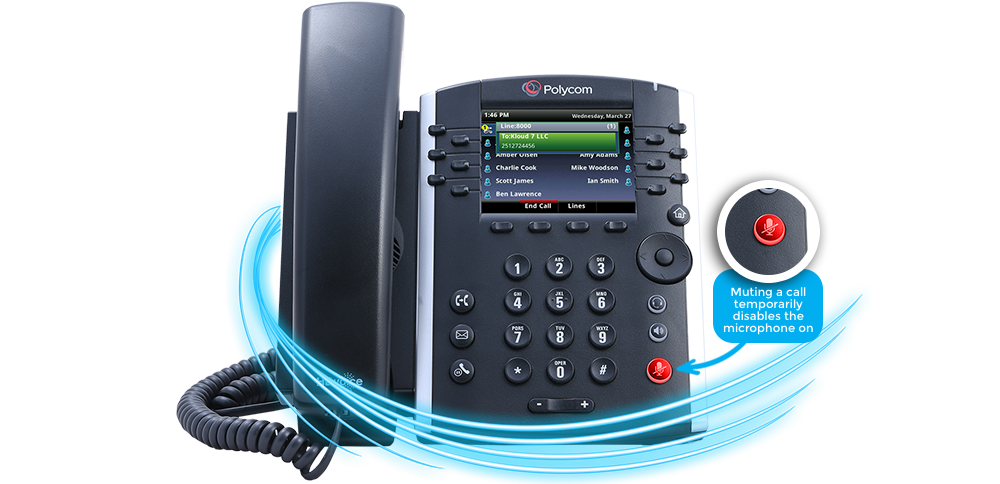
Muting a call temporarily disables the microphone on your phone so the other caller
cannot hear you. You would mute your phone in any situation where you wanted to
keep the call active, but do not want the person you called to hear you.
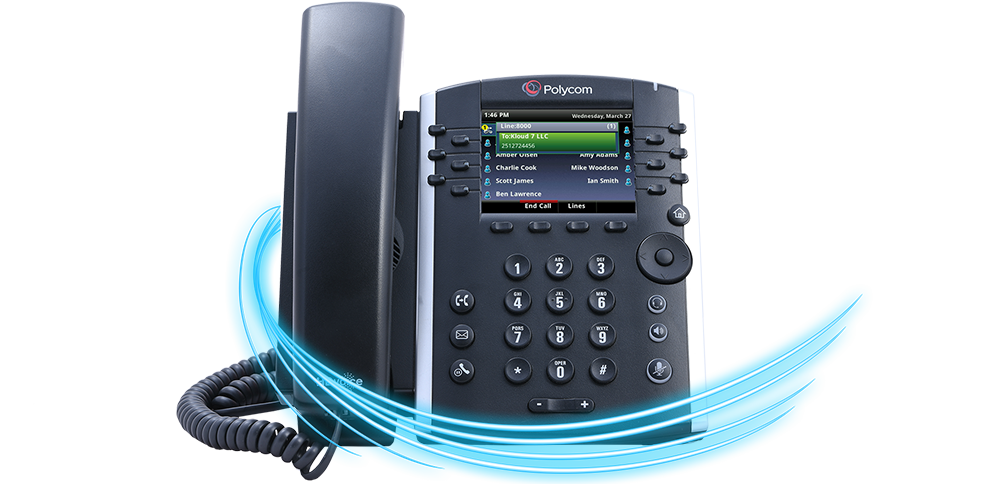
Placing a call on hold actually suspends the call on your phone and can play
music or pre-recorded message to the person you placed on hold. Neither party can
hear one another when a call is held.
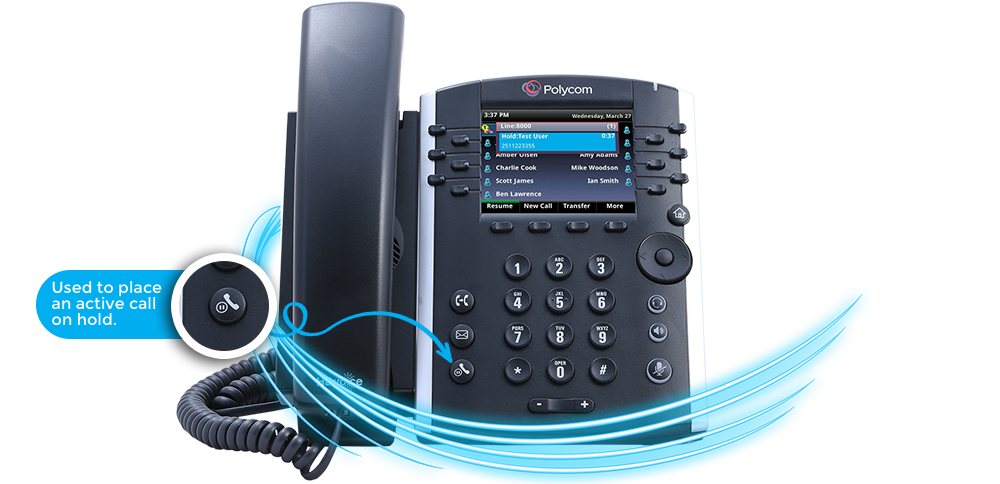
Call hold is used for more than isolating the audio of a call. It can be
used to move a call to another phone or background a call so another
inbound call can be answered in parallel.
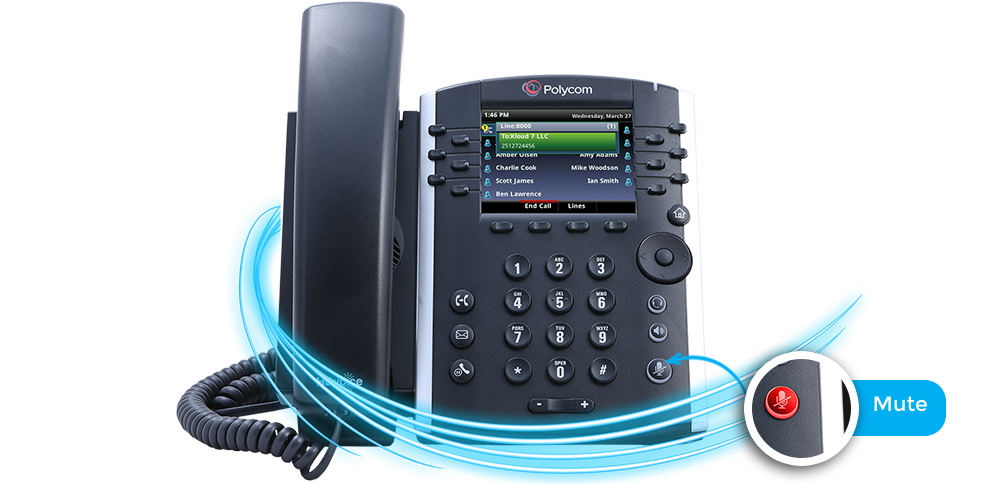
You must be in an active call to use the mute feature. Press the mute key on
your phone and it will light up red. This means mute is active. Press the mute
button again to disable it.
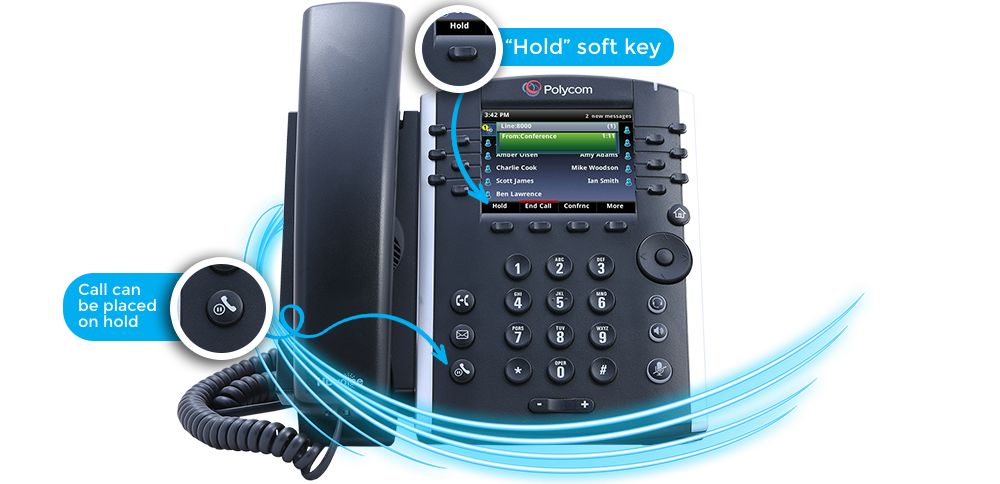
You must also have an active call to place the call on hold. Press
the key “Hold” soft key" to place the active call on hold.
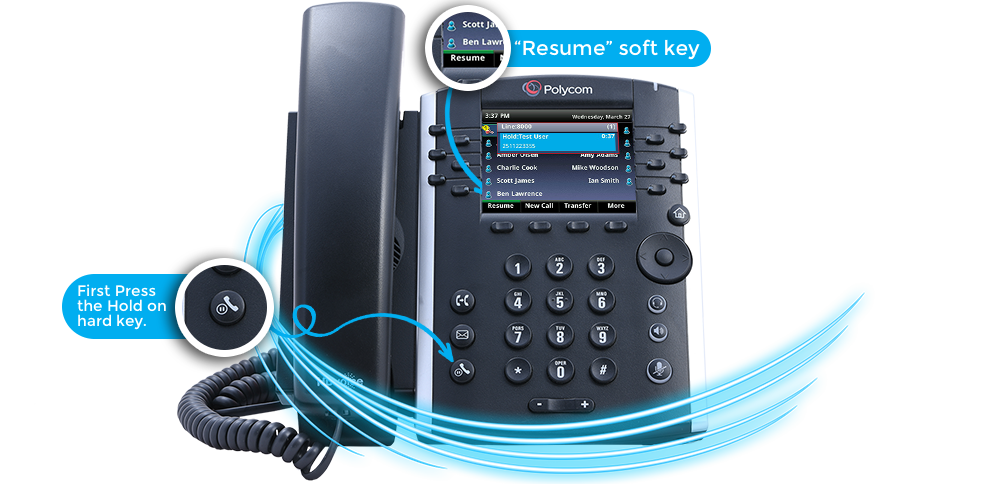
The screen will change to show that the call is now held. To
remove the hold, press the “Resume” soft key" and the call will
reconnect.